Setup Assembling the CubiScan 125
CubiScan 125 9
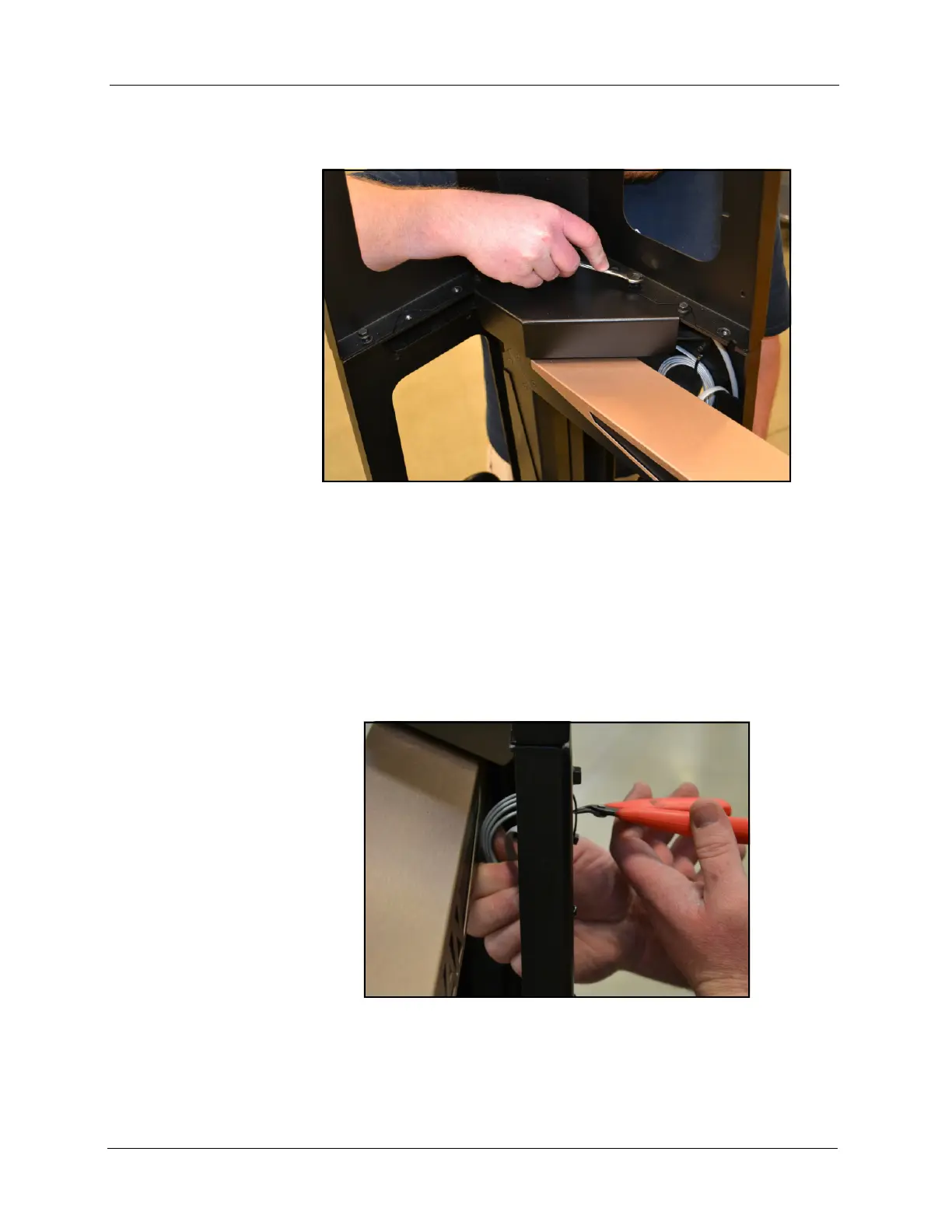
3. Insert the screws you removed in step 1 through the holes and tighten
them.
Attaching the Height Sensor Cable
The height sensor cable (gray cable with an RJ-12 connector) is connected
to the controller on the front of the base assembly and is routed and tied
through the base and gate support. It is coiled at the top of the gate support
for routing up the top sensor support.
Figure 4
Top Sensor Support Attached
Figure 5
Location of Height Sensor Cable



 To Next Page