Troubleshooting Tes ti ng
CubiScan 125 82
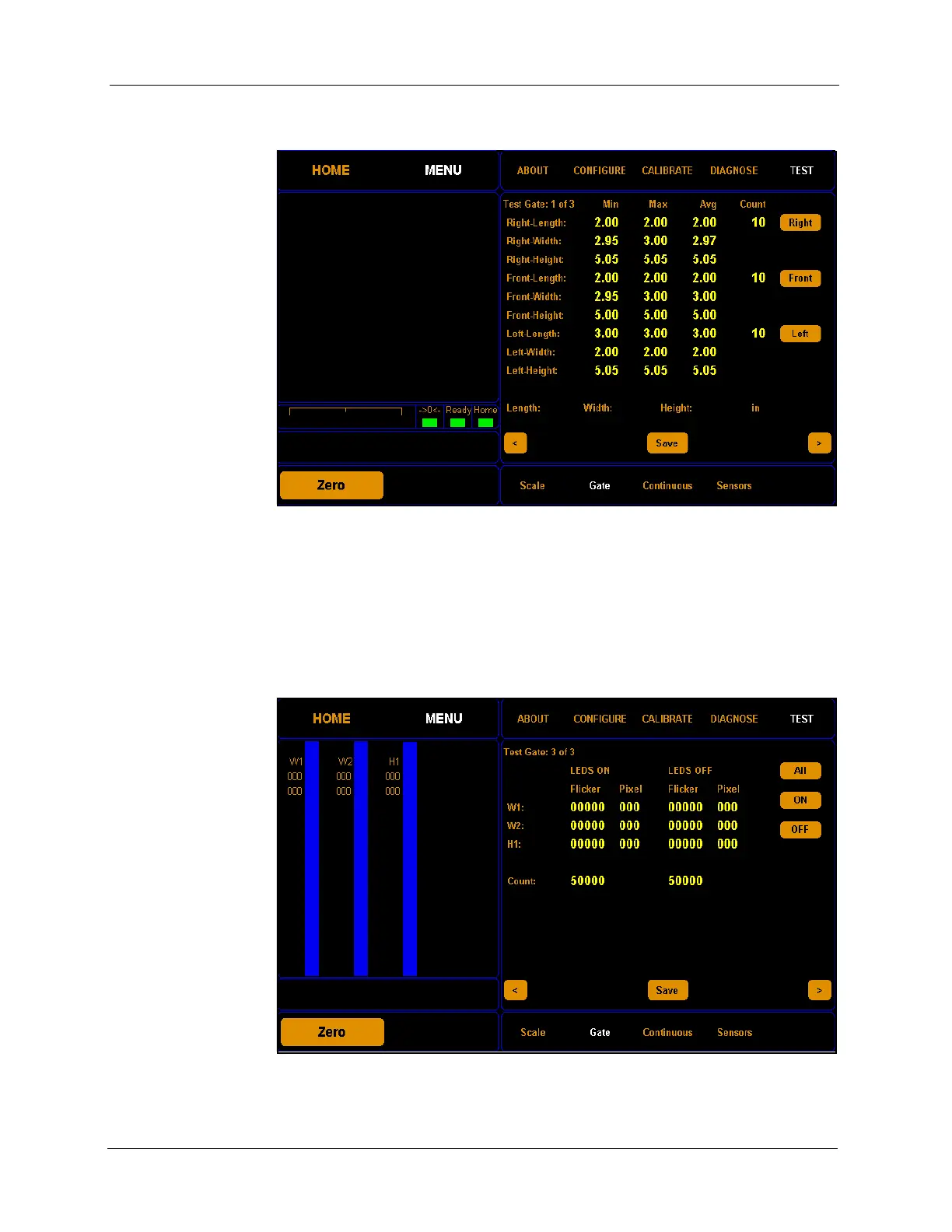
2. Tap TEST. Select the Gate option if it is not already selected.
From gate diagnostic screens one through two, you can run and view the
results of the cube test. Only run this test if instructed to by a Quantronix
employee.
3. Tap
[>] twice to reach the third gate diagnostic screen.
Figure 78
First Gate Test Screen
Figure 79
Third Gate Diagnostic Screen



 To Next Page