Calibration Calibrating the Gate
CubiScan 125 49
2. Tap CALIBRATE. Select the Gate option if it is not already selected.
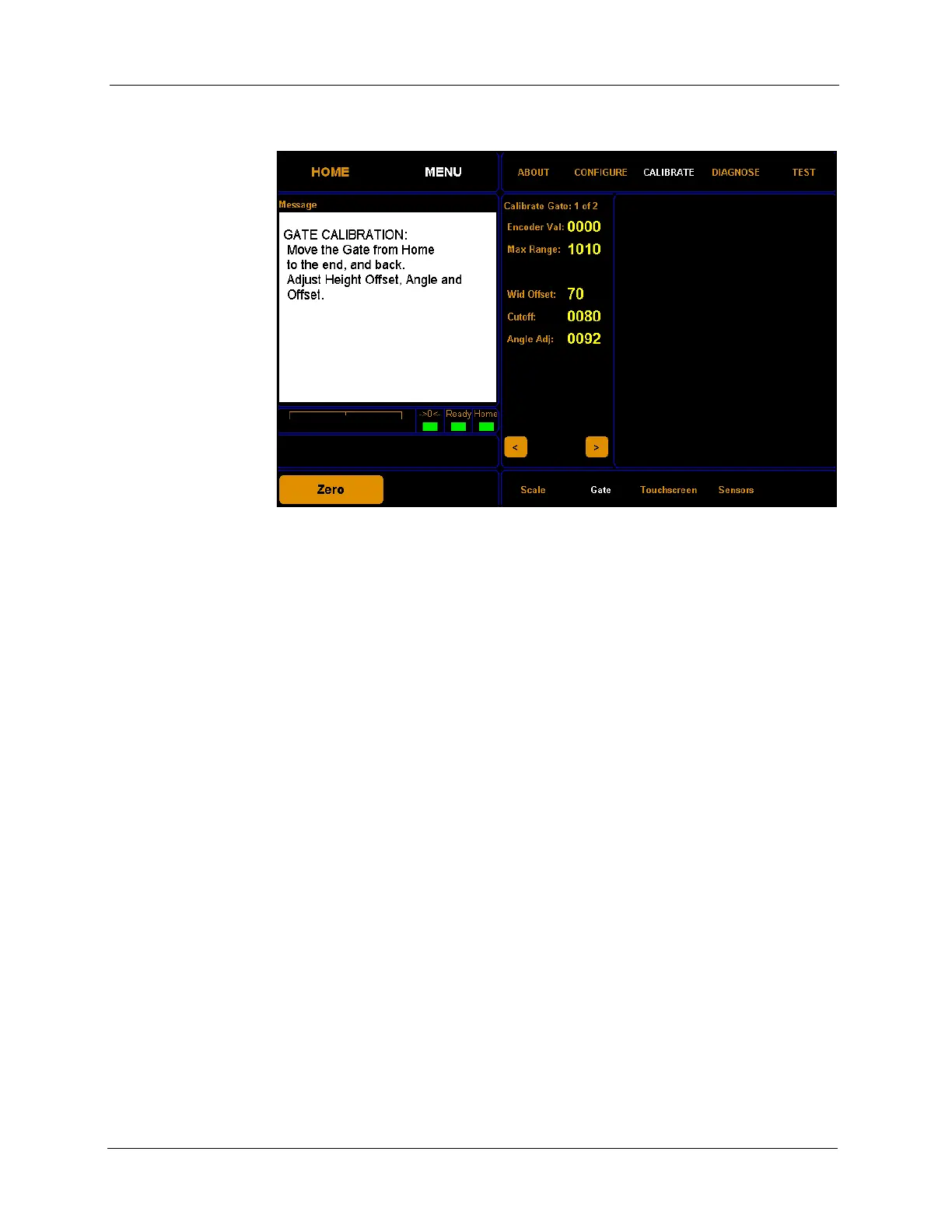
The encoder val field shows the movement of the gate and should read
between 1005 and 1025 when the gate is the furthest from the home
position. The max range value should be set a little lower than the highest
encoder val.
The wid offset field displays the distance in millimeters from the gate pivot
point to the first LED.
The cutoff field displays the right measurement limit.
The angle adj field displays the adjustment value required to square the
touchscreen display to the actual gate movement.
Figure 45
First Gate Calibration Screen



 To Next Page