Operation Cubing and Weighing
CubiScan 125 27
Measuring/
Weighing Items
Using the
Ultrasound
Sensors
Take the following steps to measure and weigh an item using the
ultrasound sensors.
1. Verify that the CubiScan 125 platform is empty and that the gate is in
the home position so that it doesn’t interfere with the sensors. The zero
indicator should be lit.
2. Place the package or object to be cubed and weighed on the platform
and slide it against the back corner until it is in contact with both side
panels. The zero indicator light will go out.
NOTE
Do not lean on or touch the CubiScan 125 platform or the object while an object is
being measured. Any kind of contact with the platform during the measurement
process can alter the weight or sensor reading.
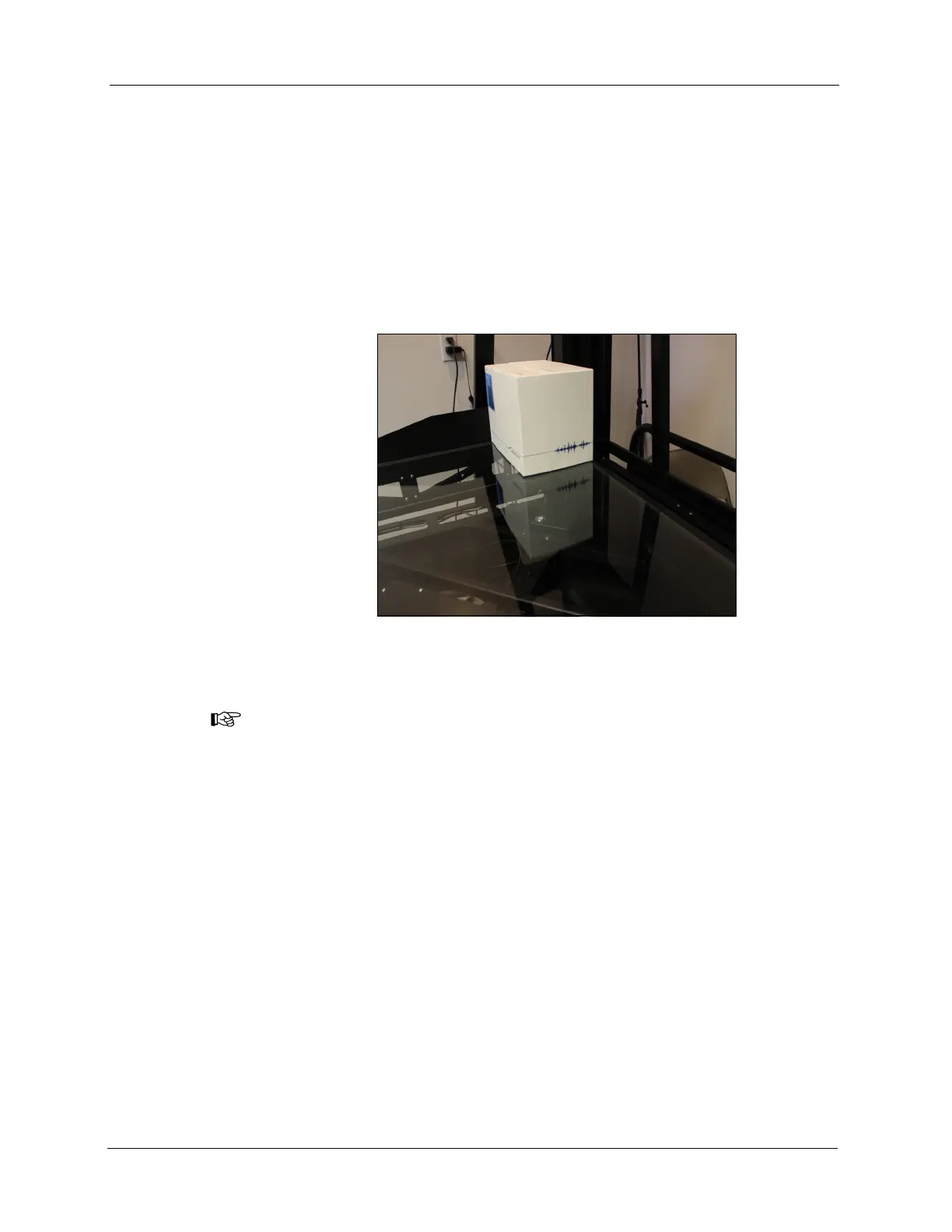
Figure 22
Package on Platform



 To Next Page