Configuration System Configuration
CubiScan 125 35
Enable Swap
Longest
Check this box if you want to enable the Swap Longest feature. This feature
will automatically report the longest dimension as the length.
Enable Filter Check this box if you want the filter mode option available on the home
screen. You can then enable or disable the filter mode from the home
screen. In this mode the CubiScan 125 measures only the largest item that
is on the platform (the item that takes up the most pixels). Height is not
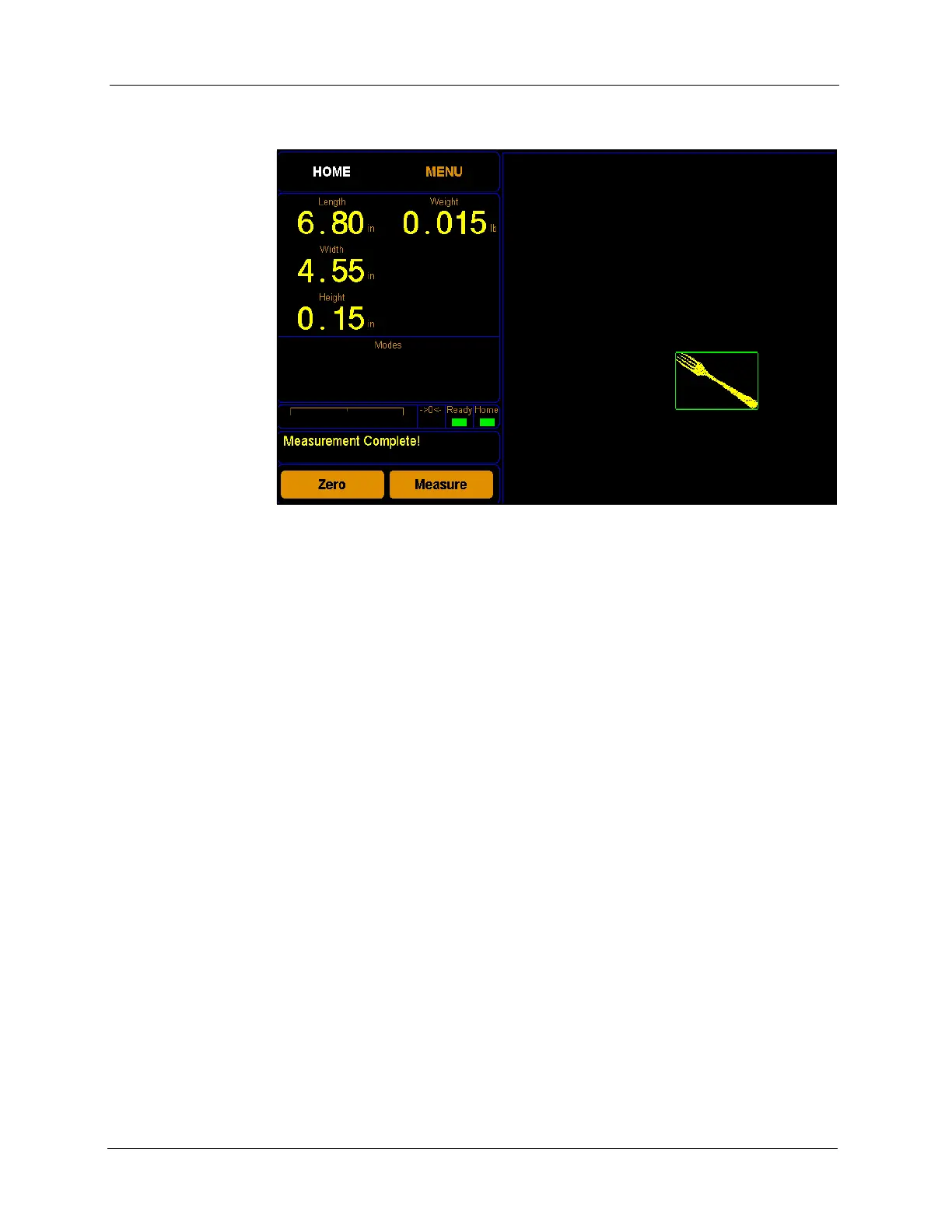
taken into account. As shown below, the largest item’s measurements are
displayed even though it is not the tallest item. Items that were excluded
Figure 30
Smallest Box Mode Off



 To Next Page