Setup Connecting Power
CubiScan 125 14
2. Store the extra glass platform in a safe location to use as a replacement
if needed.
Connecting Power
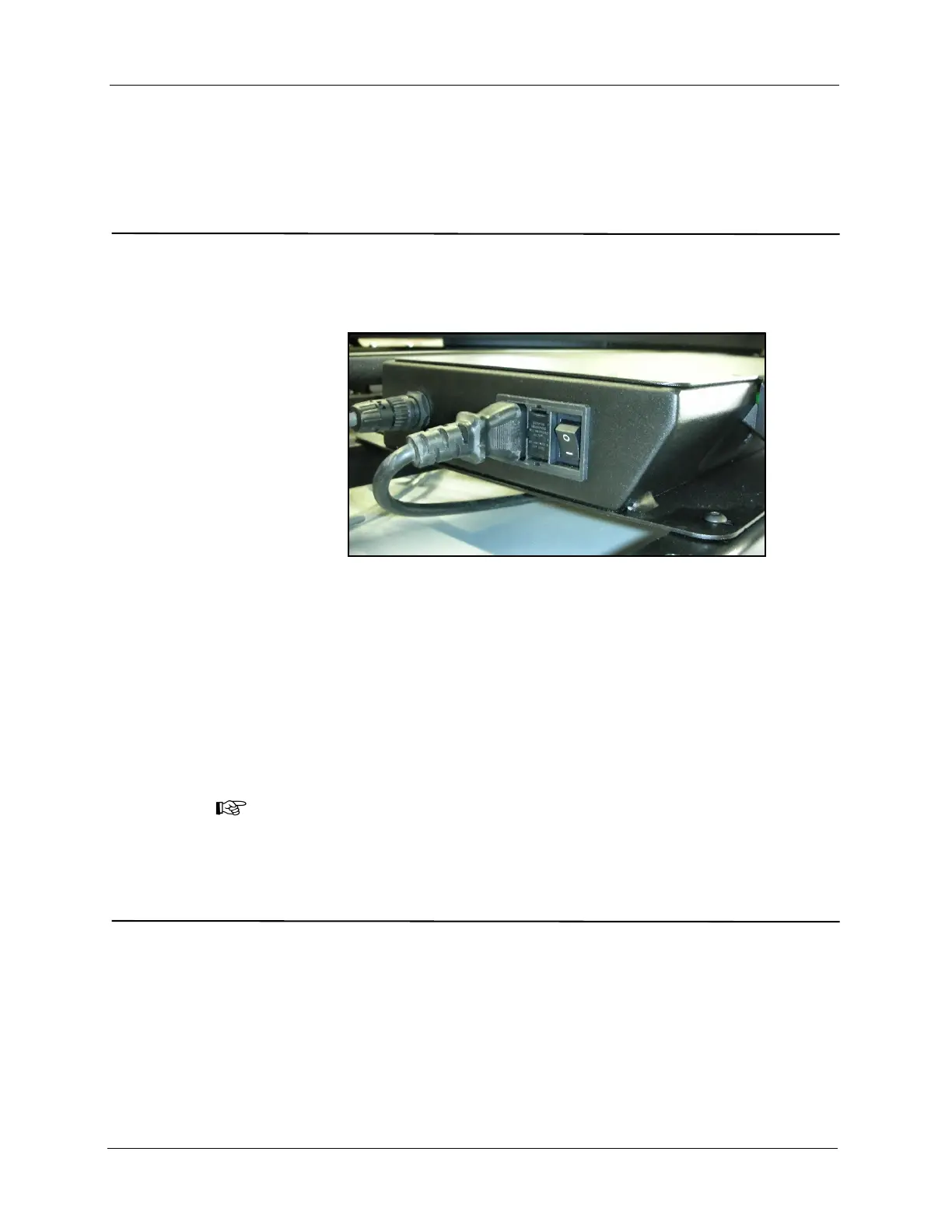
1. Locate the AC power cord (supplied), and connect it to the power
connection on the left side of the controller box, as shown below.
2. Route the AC power cord under the CubiScan 125 base so it cannot be
crushed, bent, or pulled loose.
3. Connect the other end of the AC power cord to a standard power outlet.
4. Use the power switch on the left side of the controller box (shown
above) to turn the CubiScan 125 on and off.
NOTE
The CubiScan 125 should be powered on before running the Qbit application to
cube and weigh packages.
Turning On the CubiScan 125
Specific procedures must be followed each time you turn on the CubiScan
125, as follows:
1. Make sure there are no packages or other objects on the CubiScan 125
platform.
2. Make sure the gate is in the home position (right-hand side).
Figure 12
Connecting Power



 To Next Page