Configuration System Configuration
CubiScan 125 38
2. Move the gate slowly across the object. You will then be prompted to
remove the compression plate and set it aside.
3. Complete the measurement by moving the gate back across the item.
The end result shows the actual weight of the item that was measured.
The red line shows the compressed height of the item and the green line
shows the actual height. The height figure that is reported is the
compressed value.
Comp. Hgt (mm): This field displays the height of the compression plate in millimeters. The
default setting for this field is 085, the height of the compression plate that
Quantronix can provide. This value should not be changed unless you are
using a different compression weight. To change the tare value simply tap
on the number and enter the new value.
Units
This section discusses the options available on the Units menu. Complete
the following steps to access the Units menu.
1. From the home screen, tap
MENU.
NOTE
If you have set up a password previously in the system configuration, you need to
enter the password to unlock the menu. Refer to page 36.
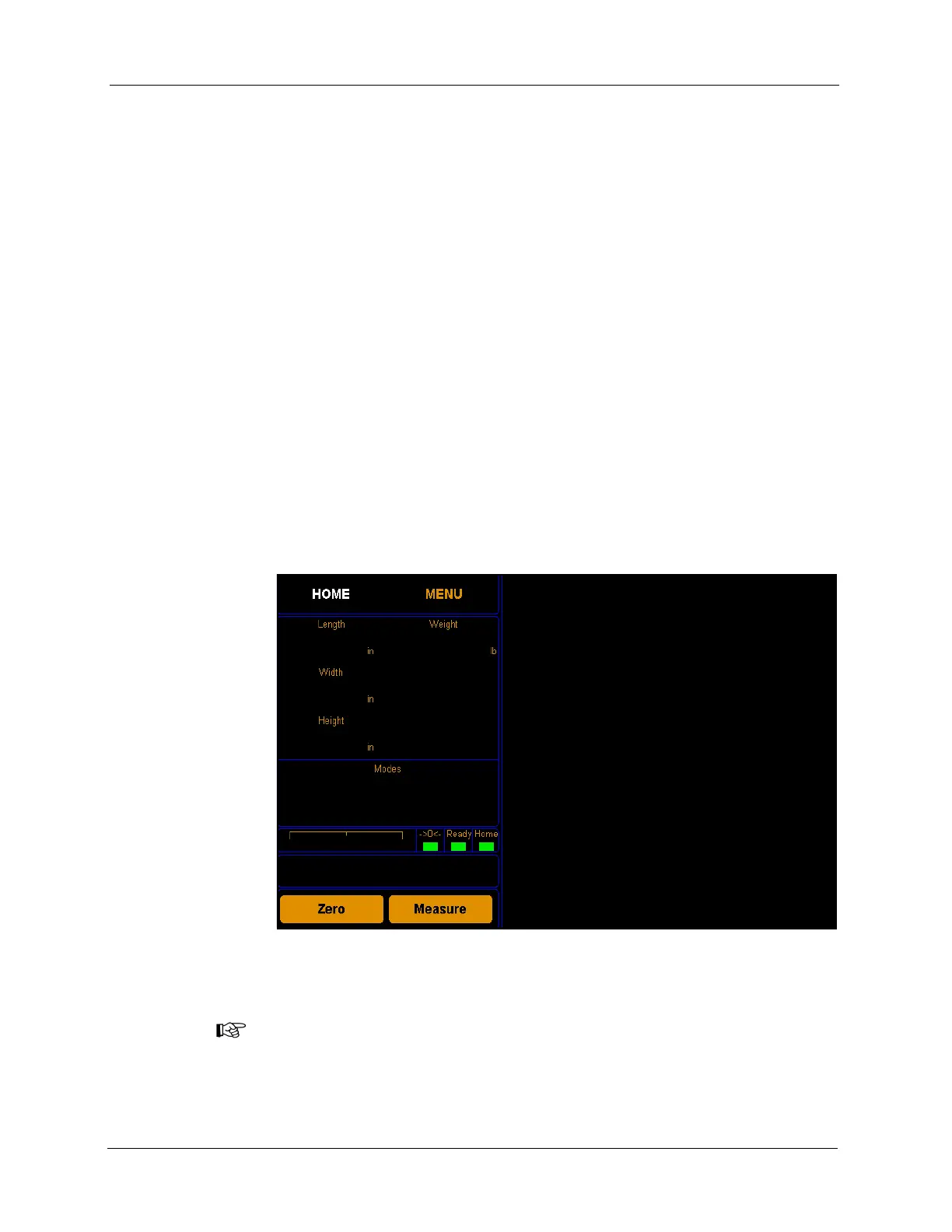
Figure 33
Home Screen



 To Next Page