Setup Connecting to a Computer or Network (Optional)
CubiScan 125 17
1. Plug the white TRENDnet USB to Ethernet adapter into the computer.
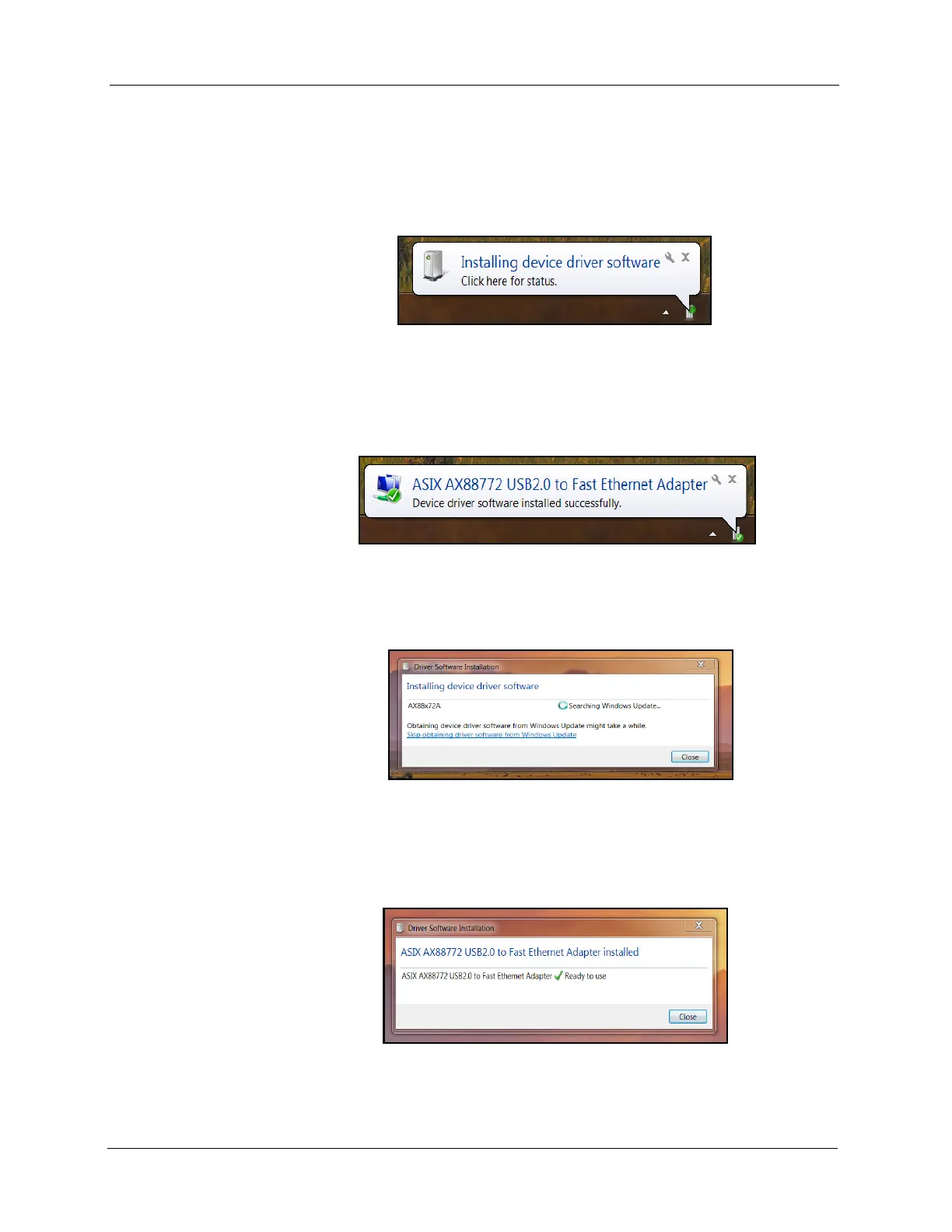
The following bubble will appear in the bottom right corner of the
screen.
• Wait a few moments for the installation process to finish and the
following bubble will pop up.
• If you clicked on the installation bubble, the following window will open.
• Once the driver has finished the installation process it will report that
the adapter is ready to use.
Figure 14
Installation Bubble
Figure 15
Device Installed Bubble
Figure 16
Installation Process Bubble
Figure 17
Adapter is Ready to Use



 To Next Page