Troubleshooting Diagnostics
CubiScan 125 73
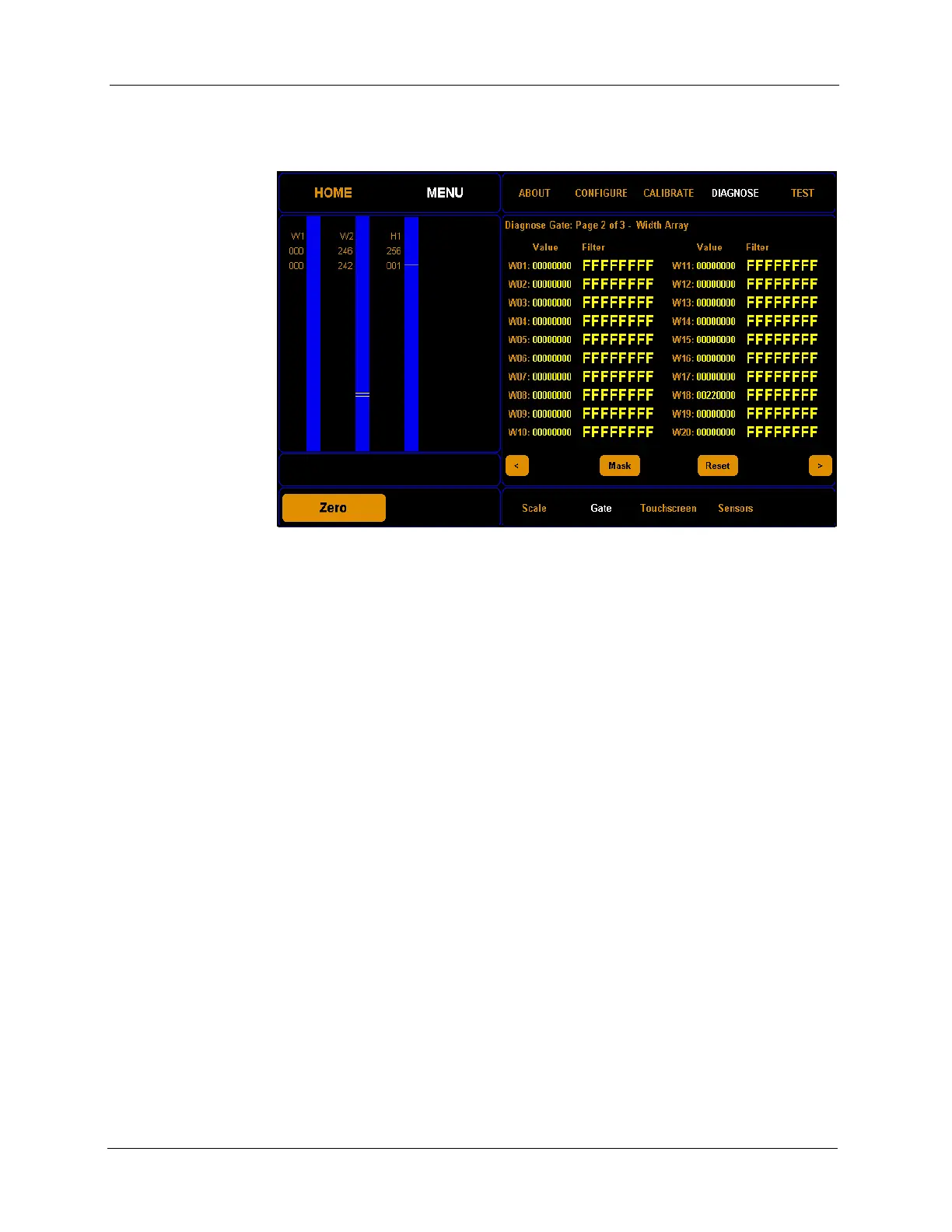
on the blue LED beam bars. The image below shows three
malfunctioning LEDs that could be masked.
Step 1.3 Tap
Mask to mask the LEDs shown on the blue beam bars.
When the LEDs are masked, they will no longer be used to
take measurements. If you want to clear all masks, tap
Reset.
Figure 69
Gate Mask Tick Marks



 To Next Page