Calibration Calibrating the Ultrasound Sensors
CubiScan 125 56
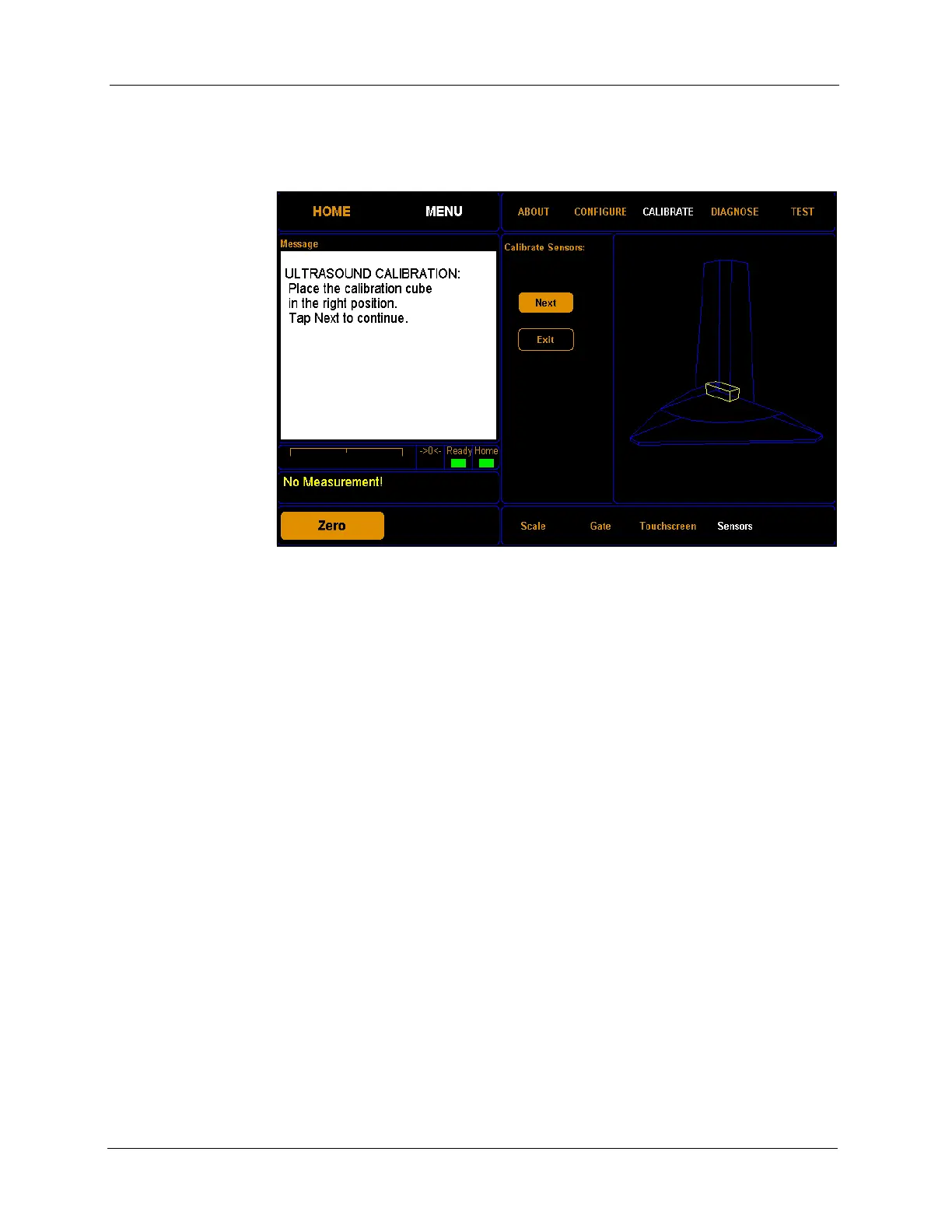
5. The following screen is displayed. Turn the calibration cube so that the
12'' side is against the right side panel (make certain it is touching both
side panels), as shown below. Tap
[Next] to continue.
6. The following screen is displayed. Turn the calibration cube so that it is
standing on its end in the corner with the 12'' side perpendicular to the
Figure 54
Fourth Sensor Calibration Screen



 To Next Page