Setup Assembling the CubiScan 125
CubiScan 125 12
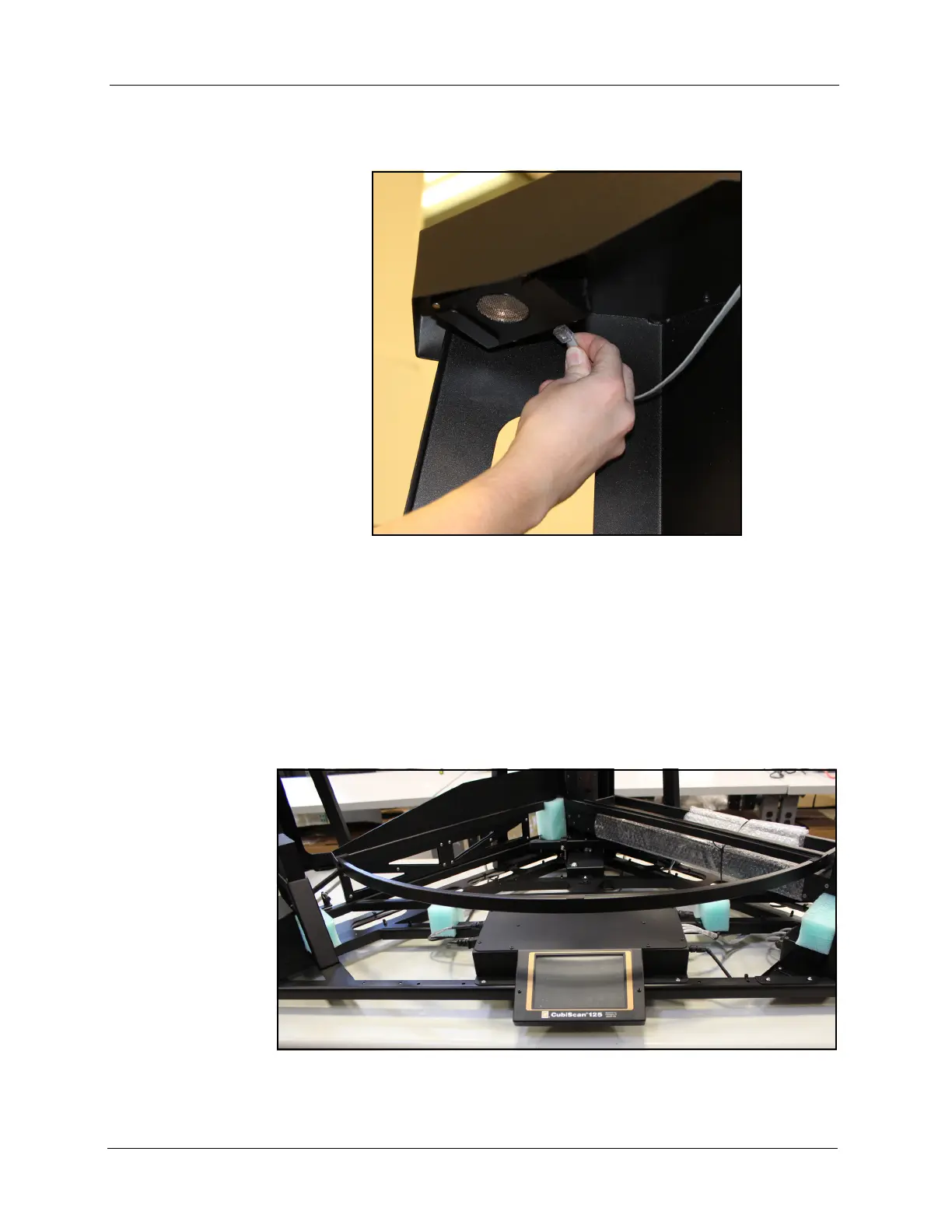
4. Connect the RJ-12 connector on the sensor cable to the connector on
the top of the height sensor as shown below.
Removing the Shipping Material
1. Remove the four green foam shipping supports from the CubiScan 125
base.
Figure 8
Connecting the Height Sensor Cable
Figure 9
Foam Shipping Supports



 To Next Page