Configuration System Configuration
CubiScan 125 40
Ethernet
This section discusses the options available on the Ethernet menu.
Complete the following steps to access the Ethernet menu.
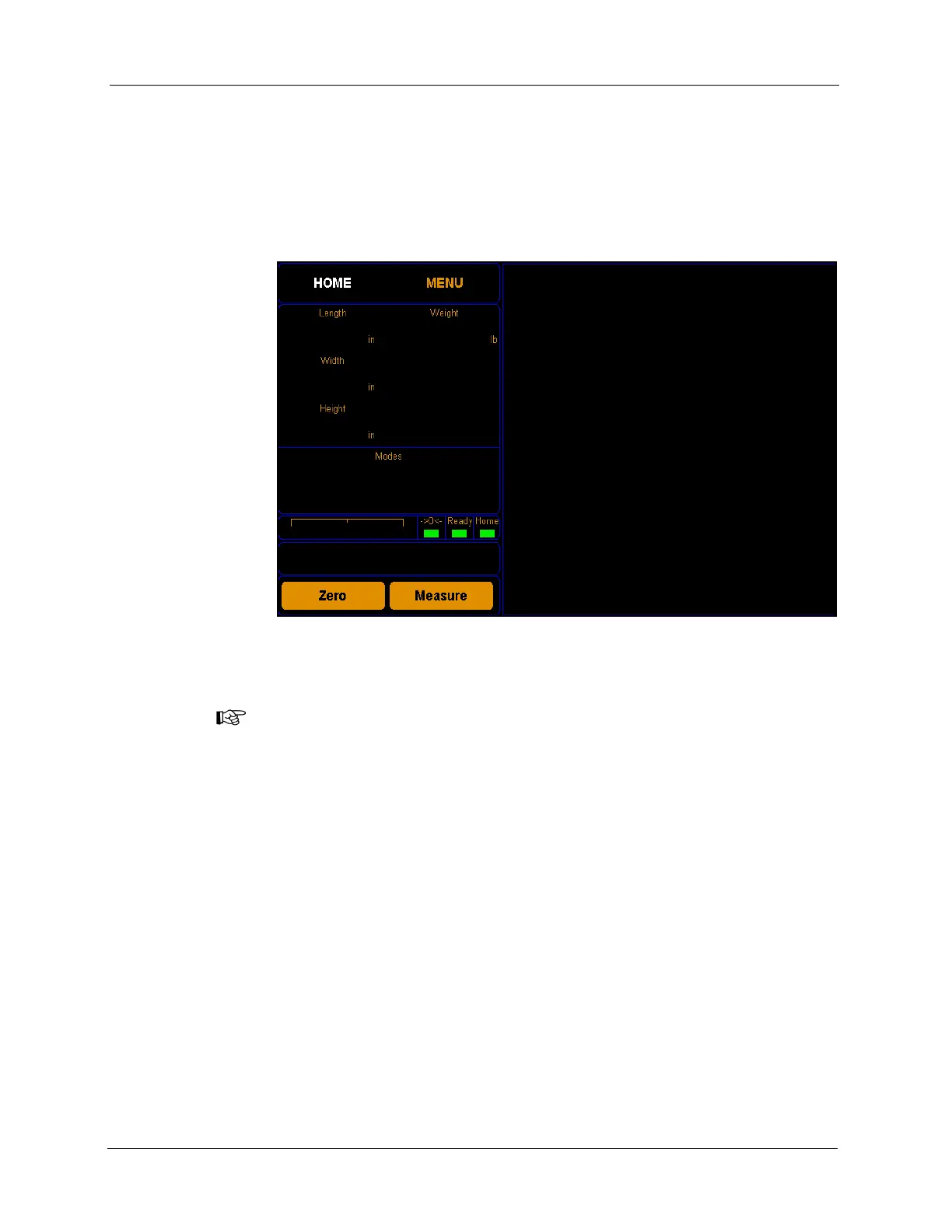
1. From the home screen, tap
MENU.
NOTE
If you have set up a password previously in the system configuration, you need to
enter the password to unlock the menu. Refer to page 36.
Figure 35
Home Screen



 To Next Page