Calibration Calibrating the Ultrasound Sensors
CubiScan 125 54
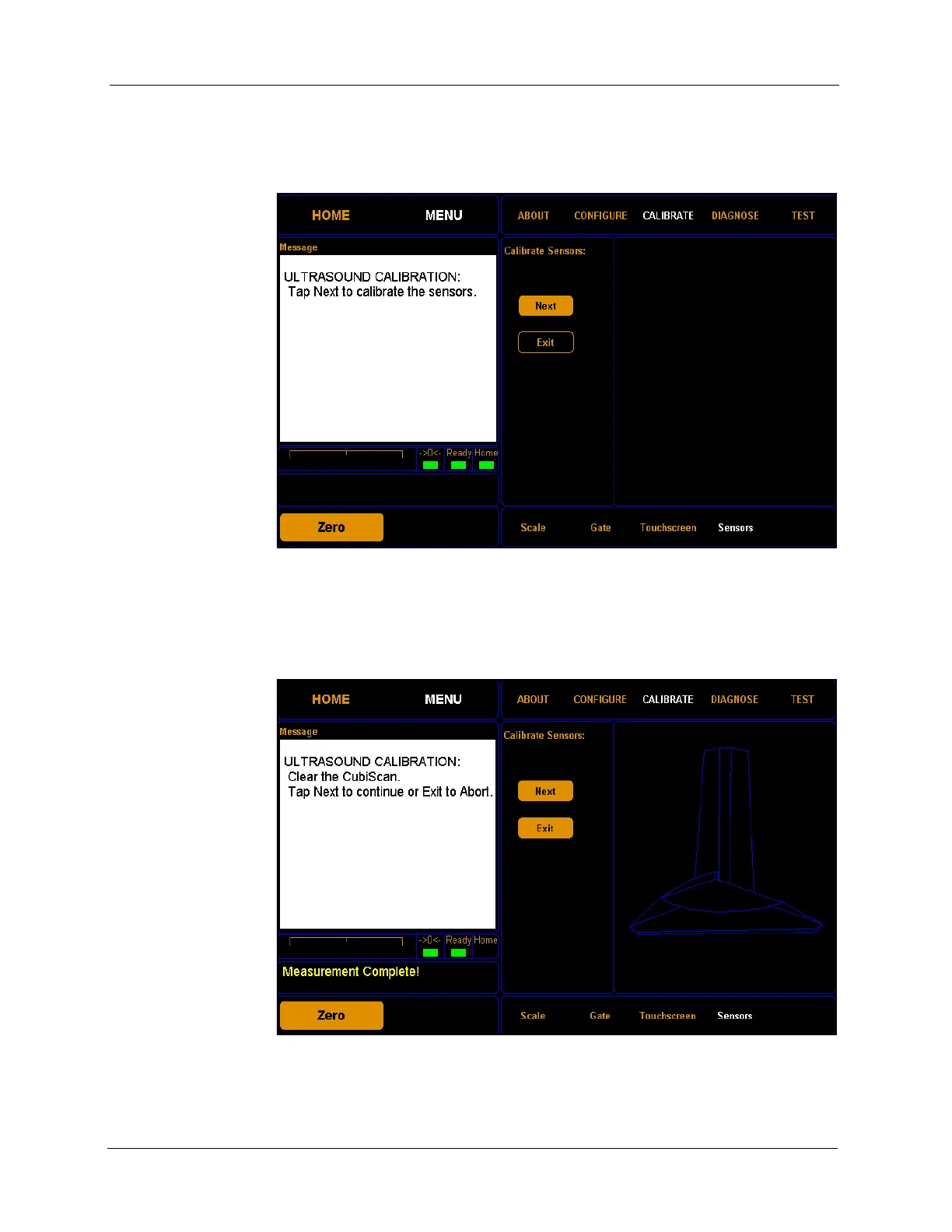
2. Tap CALIBRATE. Select the Sensors option if it is not already selected.
Make sure the gate is in the home position (right-hand side). Tap
[Next]
to begin the scale calibration.
3. The following screen is displayed. Clear the glass platform of all objects,
and tap
[Next] to continue.
Figure 51
First Sensor Calibration Screen
Figure 52
Second Sensor Calibration Screen



 To Next Page