Troubleshooting About
CubiScan 125 65
Main This field displays the firmware version used for the main controller.
FPGA This field displays the firmware version used for the FPGA.
Kernel This field displays the firmware version used for the kernel.
Scale This field displays the firmware version used for the scale.
W1,
H1, W2
These fields display the firmware used for the width 1 and 2 boards, as well
as the height 1 board.
Left, Top, Right These fields display the firmware used for the left, top, and right ultrasound
sensors.
Config-Audit
This section discusses the Config-Audit menu. Complete the following steps
to access the Config-Audit menu.
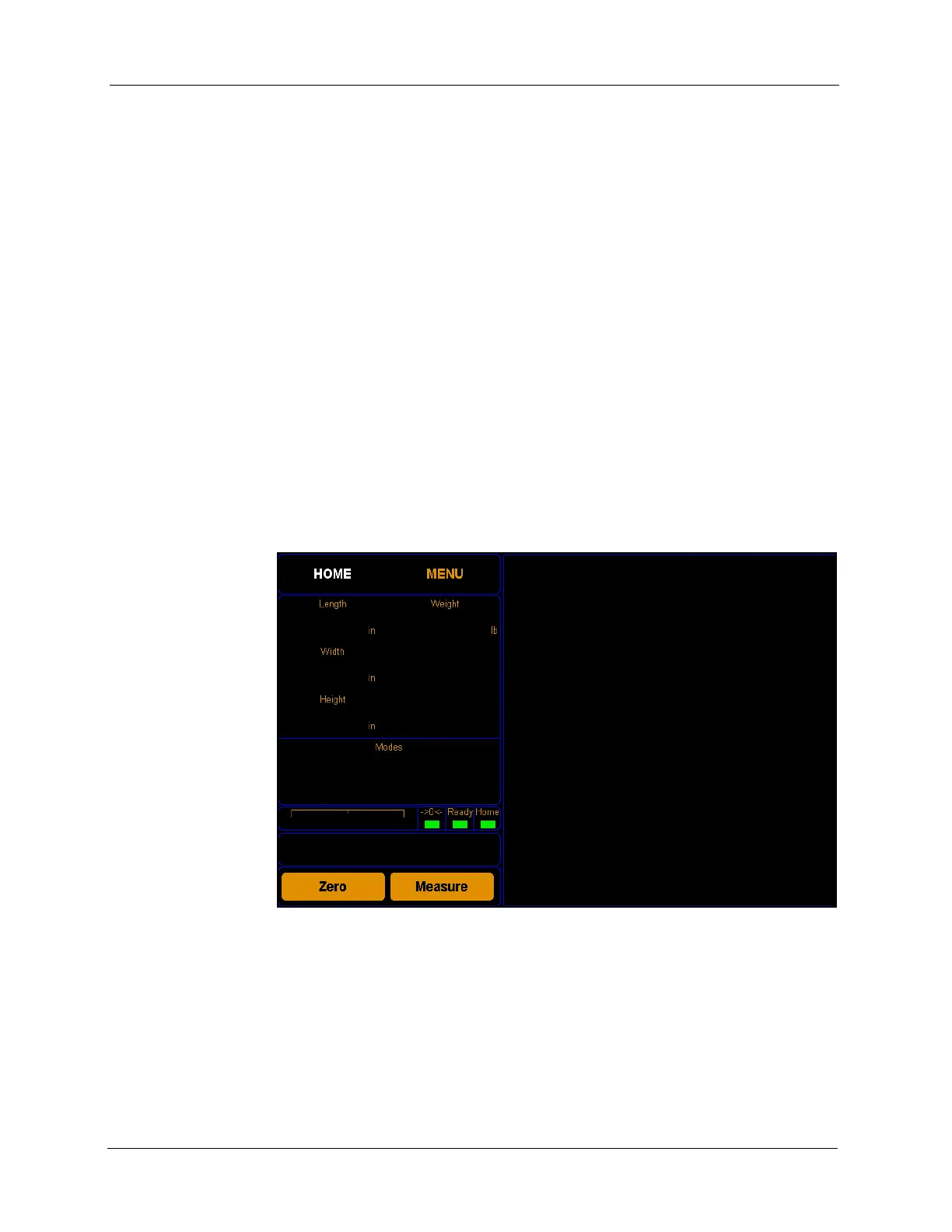
1. Tap
MENU at the home screen.
Figure 60
Home Screen



 To Next Page