V0215, 1.4
1.4. Operation and programming modes
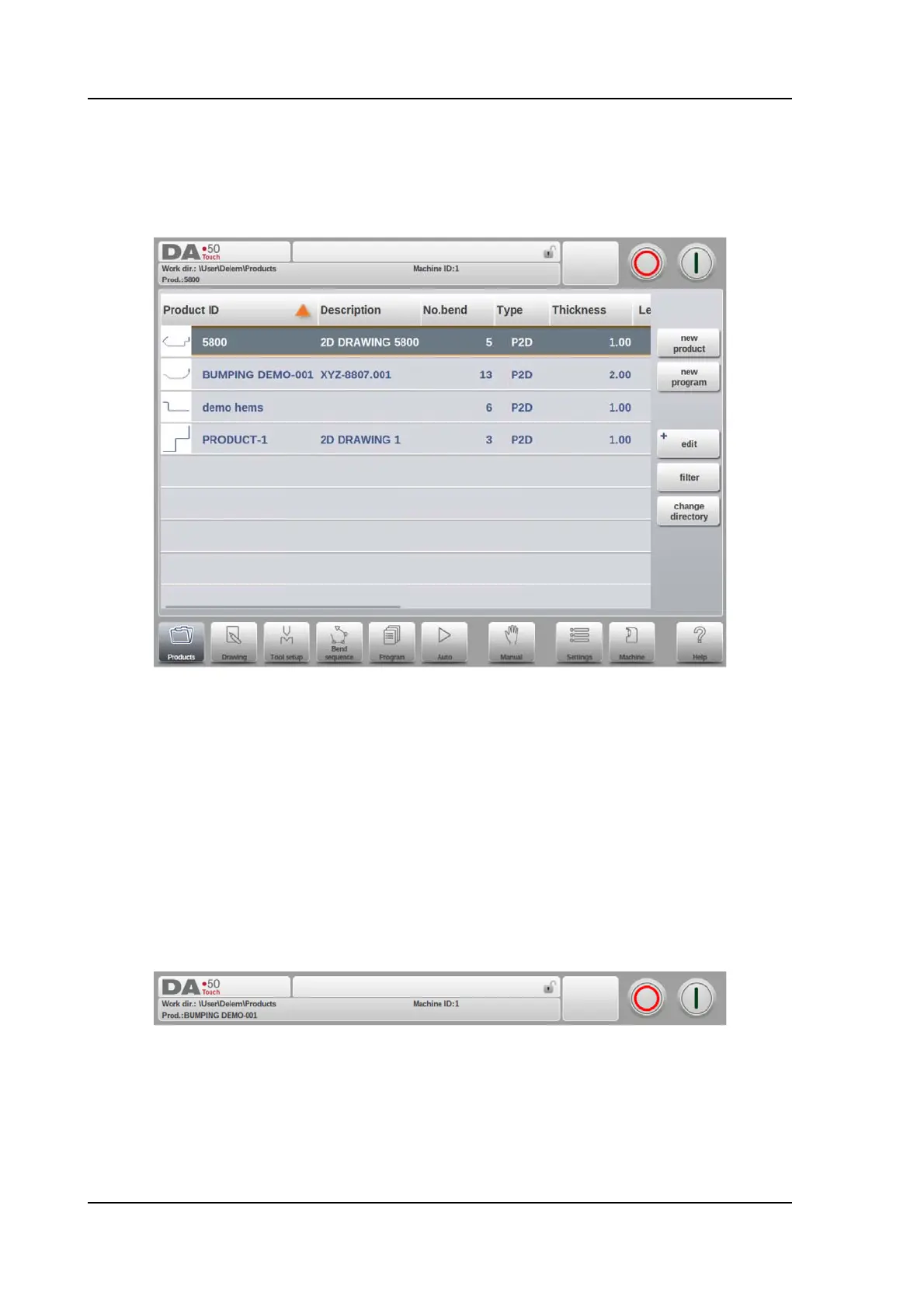
The DA-Touch control's main screen looks as follows:
Depending on the navigation button which is active, the screen will differ. The above main
screen will appear having the Products function active.
Just by tapping the various modes, the specific mode will be selected.
The structure of the main screen is as follows:
Title panel
In the top the title panel is always shown. In this area you can find logo information, which
product is loaded, the active bend, selected subdirectory and (when activated) the service
row. Also machine indicators can be found here.



 To Next Page