V0215, 8.1
8. Manual mode
8.1. Introduction
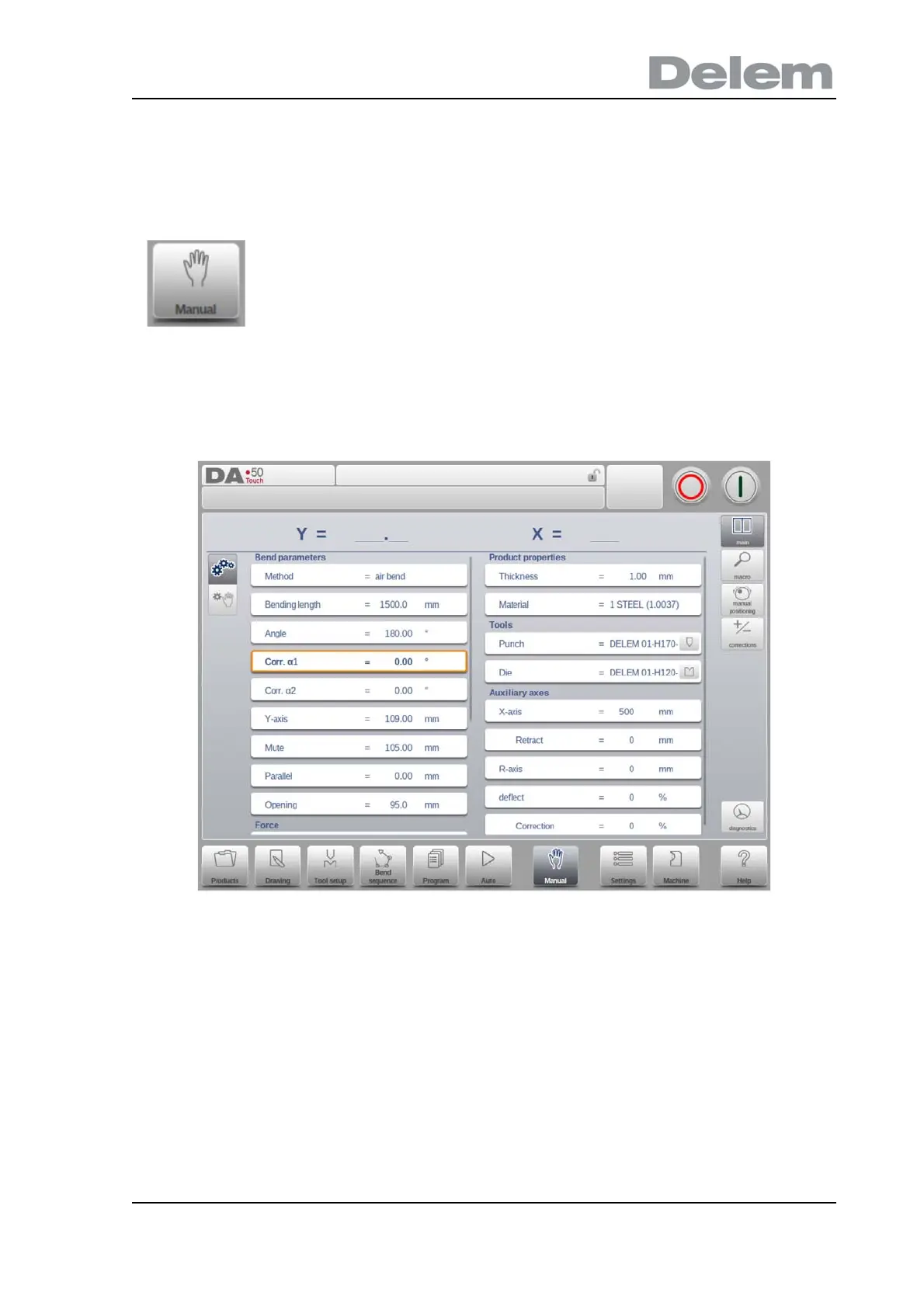
In manual mode you program the parameters for one bending. This mode is useful for testing,
for calibration and for single bends.
Manual mode is independent from Automatic mode and can be programmed independently of
the programs in memory.
In the top of the Manual mode screen you can find the Y-axis and the main X-axis current
position. All other axes and functions are listed one by one in the two columns below.
When these Y axis value or the X-axis value is highlighted it means that the reference
markers of these axes have been found and that they are positioned correctly referred to their
programmed values.
By tapping the navigation button Manual the control is switched to
the manual production mode.



 To Next Page