V0215, 10.29
10.6. Maintenance
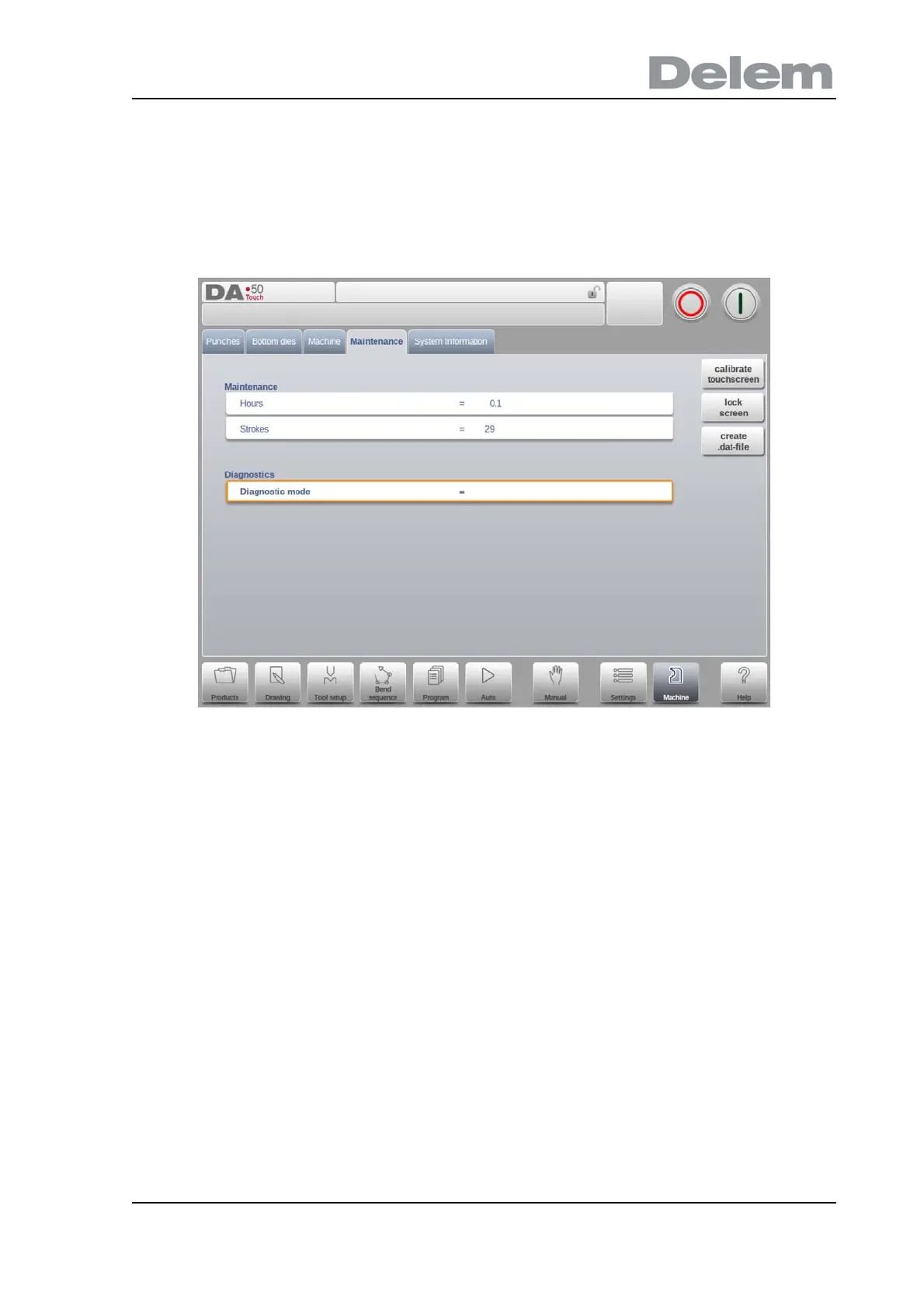
On this tab maintenance related functions are located. Next to the machine hour counter and
the machine stoke counter also functions to help replace modules and to store diagnostic data
can be found here.
Hours
The number of hours the machine is running.
Strokes
The number of strokes the pressbeam has executed.
Diagnostic mode
Activate or de-activate a diagnostic mode for service purposes. The diagnostic mode is
activated by programming a special code here. The diagnostic mode is de-activated by
programming 0.
To activate the diagnostic mode, contact the machine manufacturer for more information
about this mode and an access code.
Calibrate touchscreen
Calibration function to adjust the screen calibration to the users preference.
Lock screen
To lock the screen, and e.g. clean the screen without changing anything, the Lock Screen
function can be used. The screen is unlocked automatically after 10 seconds.
Create .dat-file



 To Next Page