V0215, 7.5
7.2.1. Main
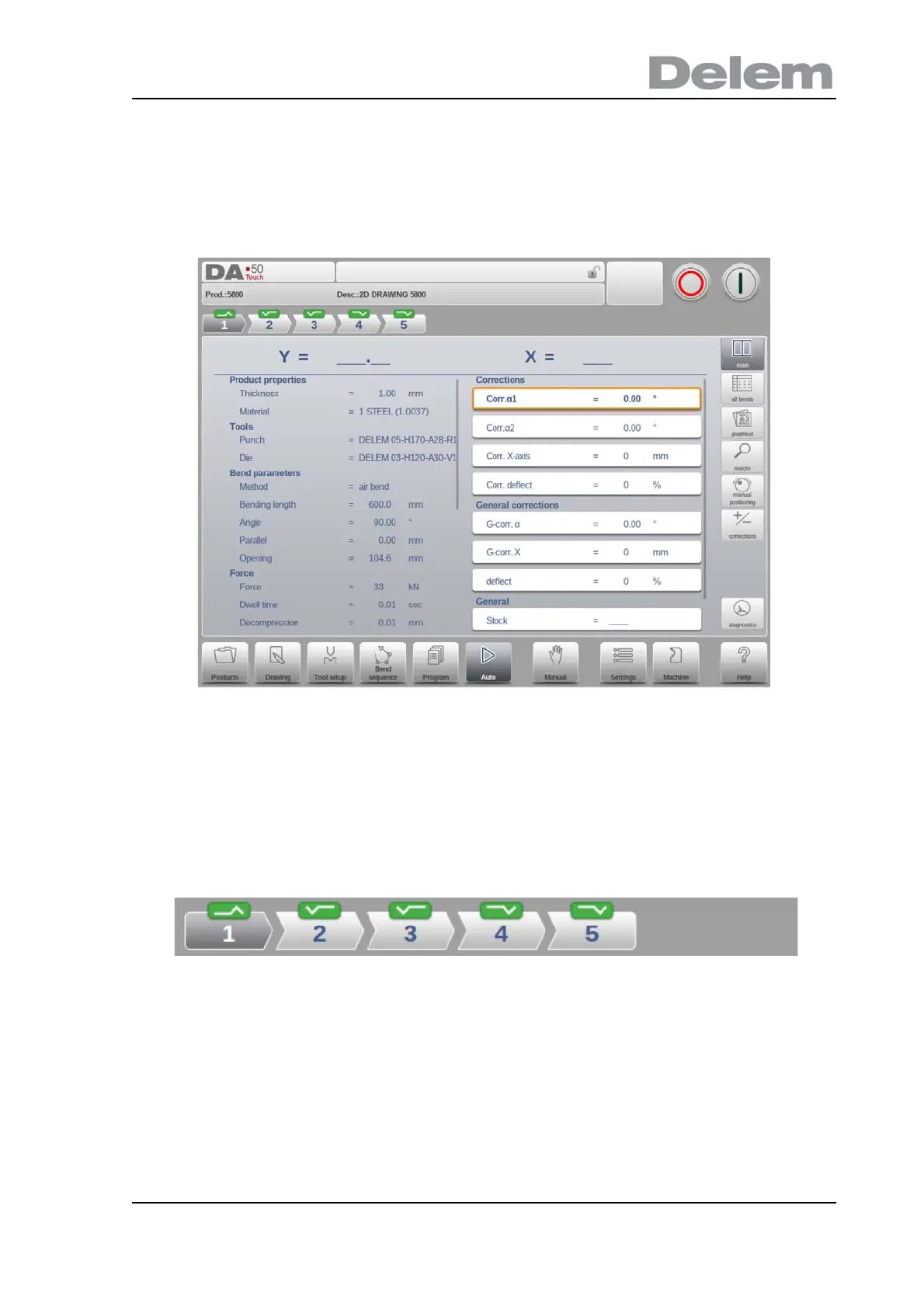
Main view shows the numerical data of the bend along with the corrections. The corrections
can be programmed here.
Both columns can be scrolled to see all data.
Bend selector
The bend selector in the top of the screen can be used to navigate thru the bends. The
indicated bends can be tapped to easily select the desired bend data. In the bend selector the
turn indicator will be displayed showing green, yellow or red colors to indicate the level of
complying the assignments of the bend sequence.



 To Next Page