V0215, 8.2
8.1.1. Manual mode, parameter explanation
Following is a list of the available parameters in Manual mode.
Bend parameters
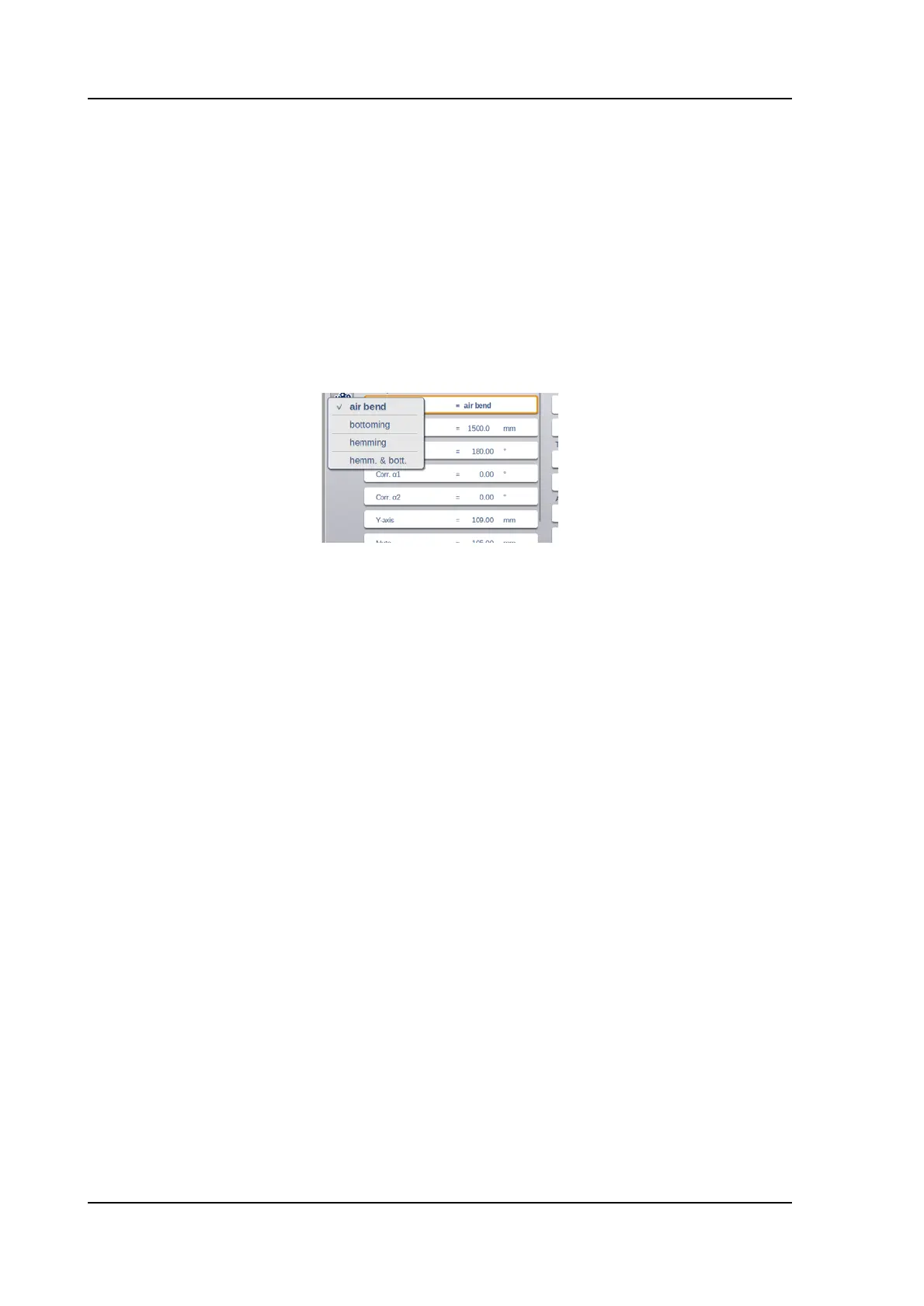
Method
Select the required bending method. The control supports 4 methods:
• Air bend
• Bottoming
• Hemming
• Hemming & bottoming
The bend methods have been explained in more detail on the Basic Data page in the
Program mode.
Bending length
Program the bending length of the sheet.
Angle
Angle to bend.
Corr.
α 1, Corr.α 2
Correction on angle to bend.
The angle correction should be entered as following examples indicate:
Programmed value of 90 degrees.
Measured value of 92 degrees.
-> Then it is required to program Corr.
α with -2.
Programmed value of 90 degrees.
Measured value of 88 degrees.
-> Then it is required to program Corr.
α with +2.
Corr.Y
Correction on the Y-axis position, in case bottoming has been selected.
Y-axis
The programmed or calculated Y-axis value to realise a certain angle.
Mute
Sequence point where the Y-axis is switched from fast closing speed to pressing speed.
It is programmed here as a Y-axis position value. The programmed value is the Y-axis
point above the sheet.



 To Next Page