V0215, 2.7
2.1.7. Filter function
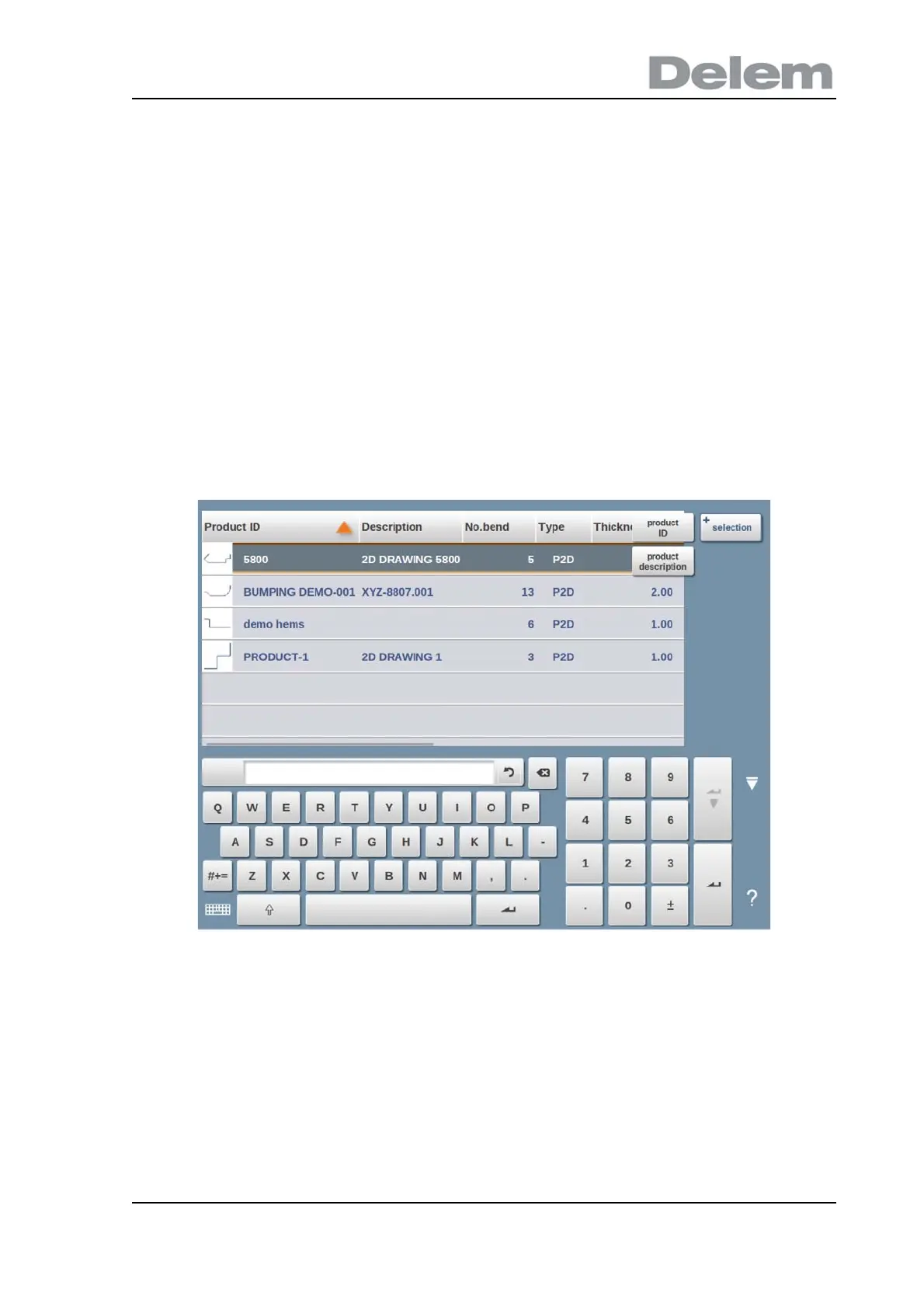
To make finding products easier the filter function enables live searches through-out the
Products mode.
When tapping Filter, the filter screen will show. By typing the desired filter string, optionally
devided by spaces, the live search will start.
Optionally a different view can be selected. Also the specific property on which the filter is
applied can be changed by using Selection.
Selections can be done on Product ID or Product Description.
You can either enter a complete name or number or only a part of it. If you enter part of a
name and this part occurs in several product names, the control will show all product names
that contain that part. It is also possible to enter a combination of name and number.
See also section 1.6.2 about Filtering and 'Live search'.



 To Next Page