V0215, 1.18
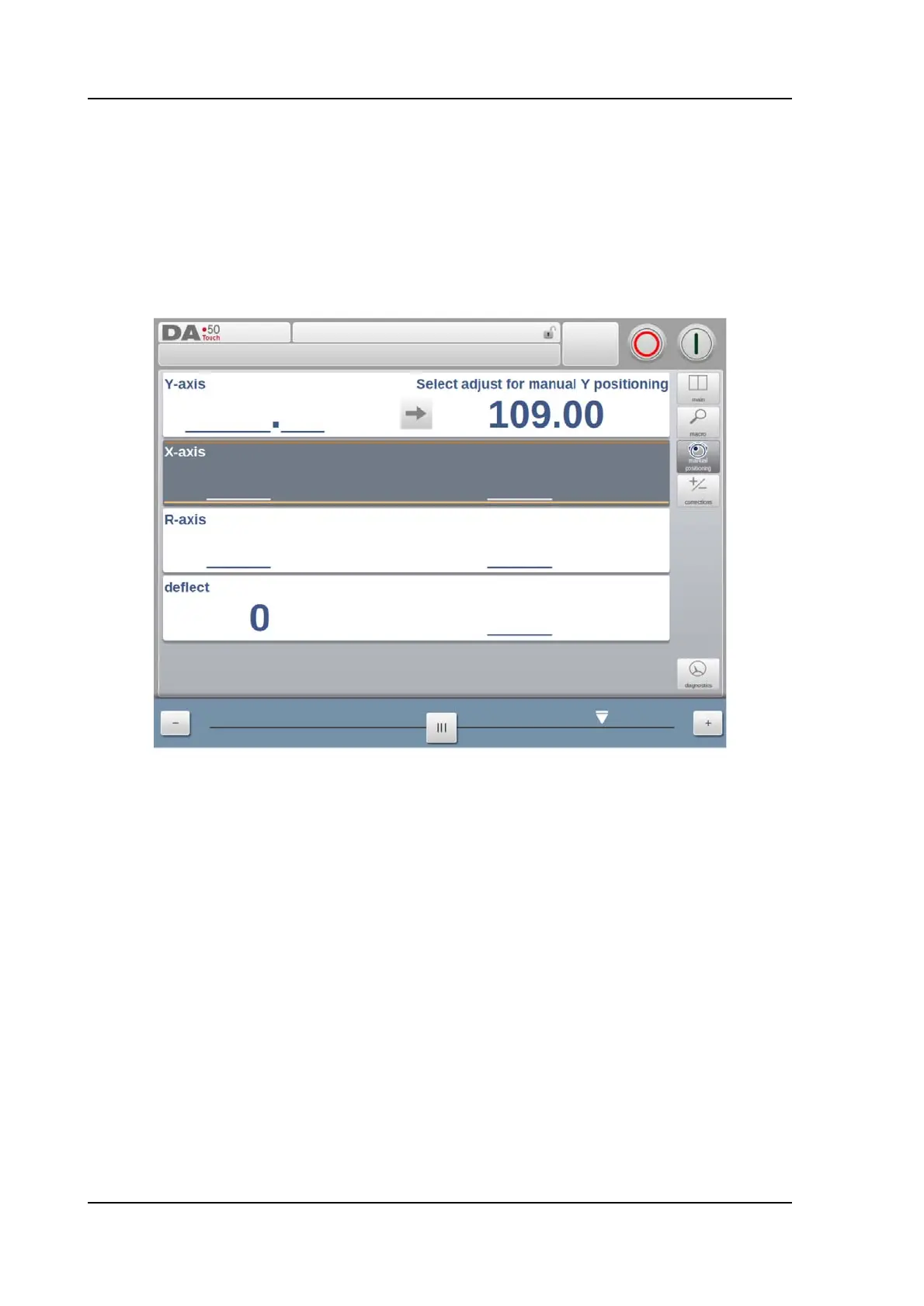
1.6.9. Manual positioning
On the manual positioning page in Manual mode and Automatic mode a slider at the bottom of
the screen can be used to position the axis. The distance moved with the slider determines
the speed of the axis. When the slider is released, the axis stops. The buttons at each end of
the slider can be used to fine-tune the axis position. When "sliding" the beeper gives feedback
that the axis is moving.



 To Next Page