V0215, 3.10
3.4. Bend properties
3.4.1. Air bend
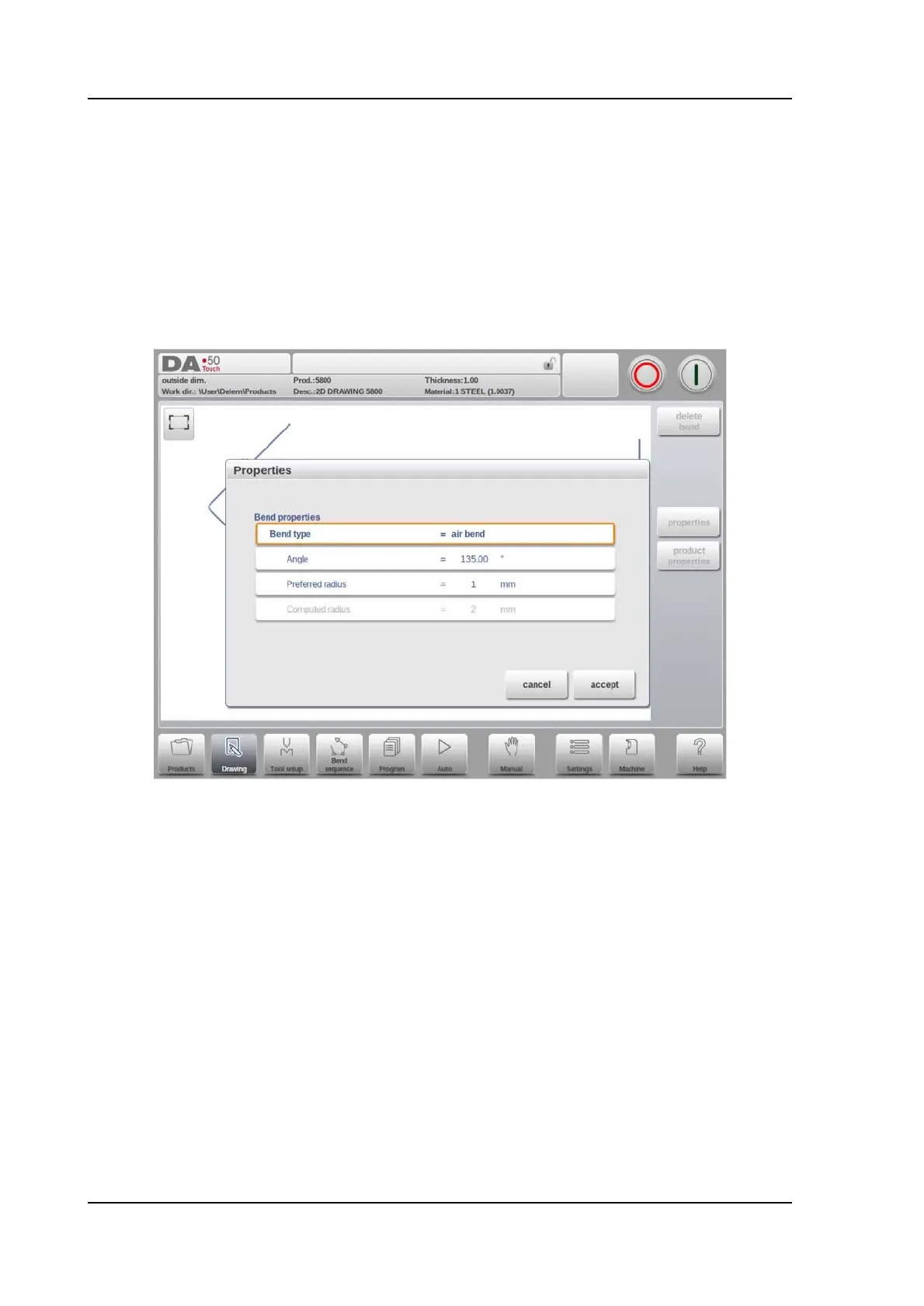
Drawing a product graphically is simply programming the line length, angle value, next line
length, etc. till the product has its required shape. The bends in the product have their
standard or specific properties. The bend properties can be set by selecting the bend and
selecting Properties.
Bend type
With the bend type it can be determined what kind of bending process is required.
Options are:
• Air bend as normal bend with a defined angle and preferred radius.
• Bumping as bend process to realise a large radius in different steps of airbending.
• Hem bend as bend process including the pre-bend (a standard air bend with a
sharp angle) and hemming action with help of a special hemming tool.
Angle
The angle value to bend.
Preferred Radius
The intended radius which is programmed. As initial value the programmed product
thickness is used. This radius can also be a large radius requiring large radius tools.
Computed radius
The resulting radius as computed from the control settings. Amongst others the resulting
radius is depending on the used tools in the bending process



 To Next Page