V0215, 5.6
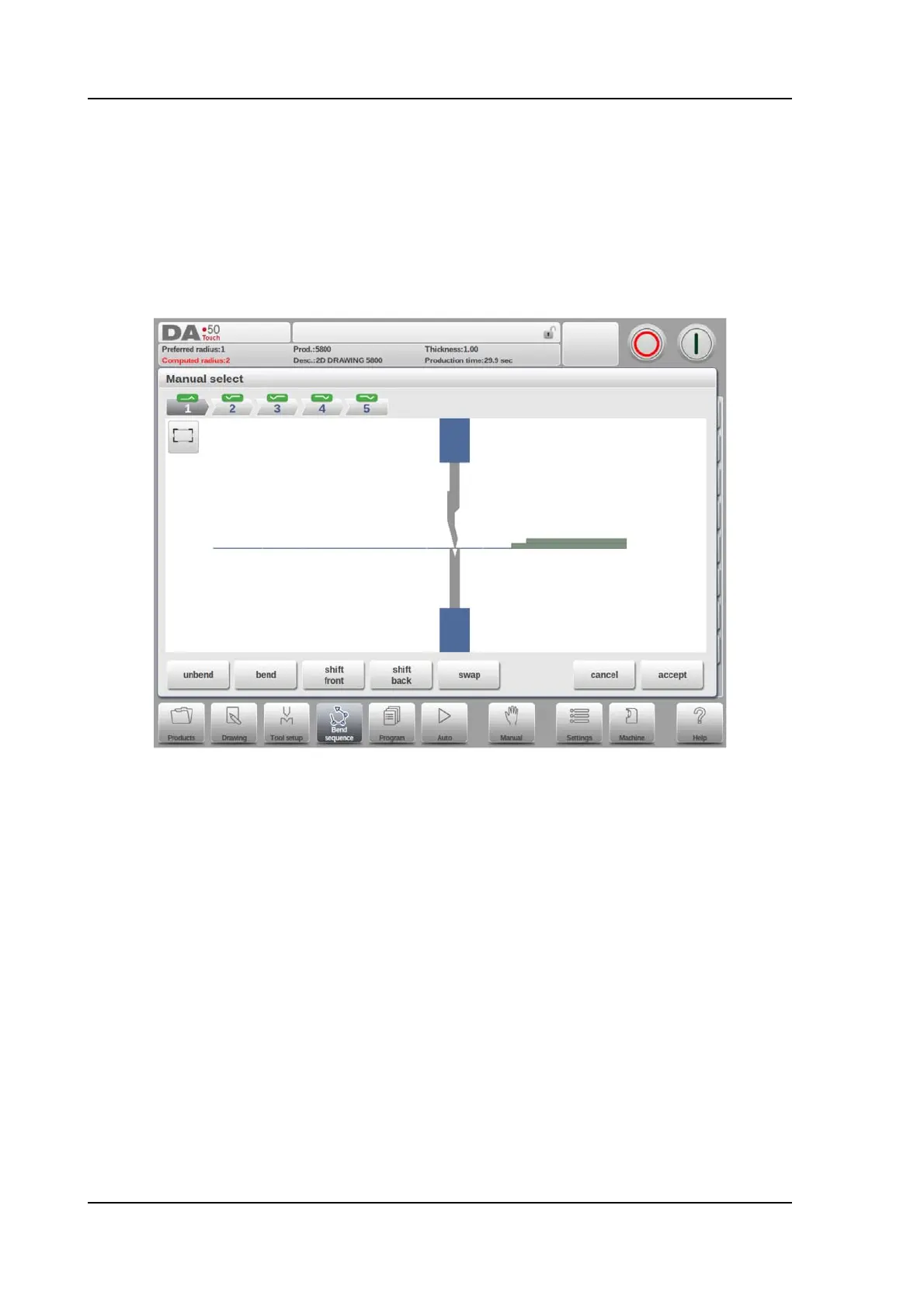
5.3. Manual selection of bends
Normally the control proposes the next (un)bend in a sequence. This is computed by the
control depending on the programmed assignments and of course the product shape and
applied tools. For various reasons it can be necessary to choose another bend line for the
bend sequence. The bend sequence can be changed/determined through the function Manual
Selection. When the function Manual Selection has been choosen, a new window is opened.
Functions
Unbend
Unbend the currently shown bend or start searching for the next feasible bend to unfold.
Bend
Bend the product in the simulation screen or switch to the next bend step
Shift Front
Shift the product to the front.
Shift Back
Shift the product to the back.
Swap
Turn the product between the tools (back to front).
Cancel
Leave the current screen without saving changes.



 To Next Page