V0215, 6.6
6.2. Bend parameters
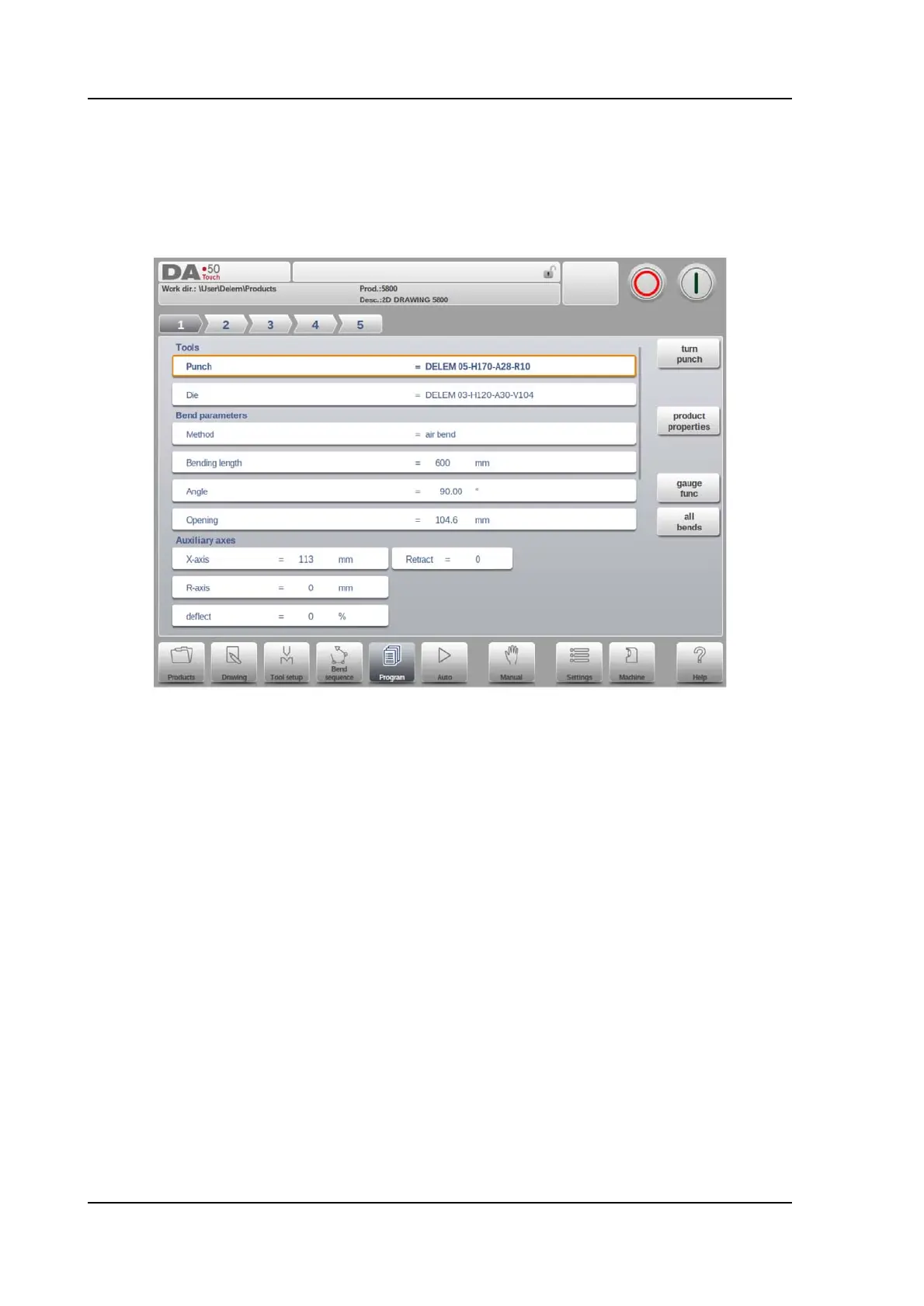
The parameters of every bend are listed on one page and can be scrolled thru. Below the
specific bend paramaters are explained.
The product ID and product description are displayed in the top row on the screen.
Tools
Punch
The name (ID) of the selected punch. Tap to modify or select from the punch library.
Die
The name (ID) of the selected die. Tap to modify or select from the die library.
Program the desired tool ID or press the tool to get an overview of the available tools in the
library. Press the function Turn Punch or Turn Die to change the orientation of the tool (i.e. to
turn the tool around).
Turn Punch / Turn Die
Turn around the applied tool (back to front). Only available if the cursor is placed on a tool
parameter.



 To Next Page