V0215, 5.7
Accept
Save the changes and leave the current screen.
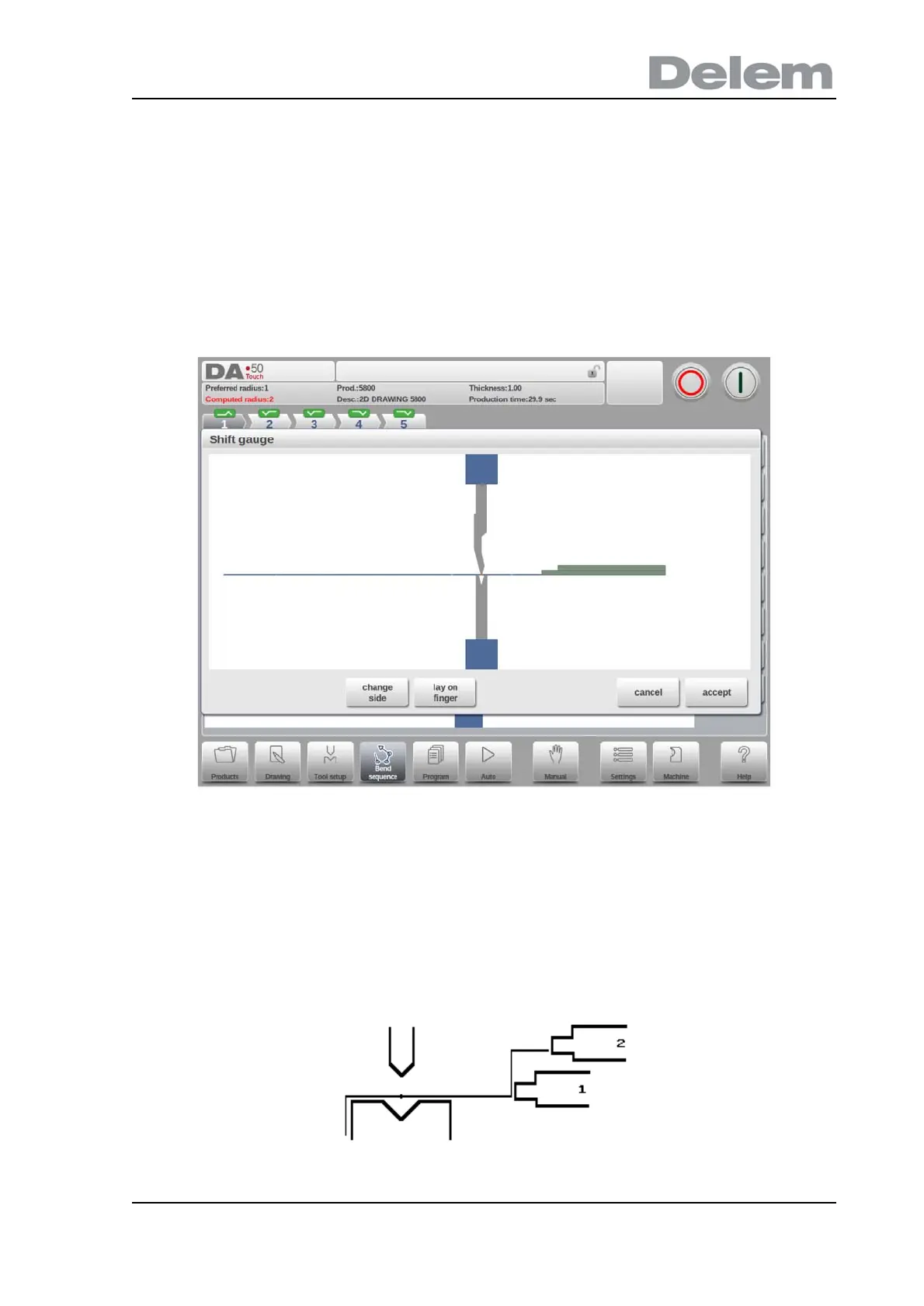
5.3.1. Shift gauge
The control automatically computes at each bend the X axes and R axes positions.
IIt takes into account the values of the option assignments and searches for a solution without
collision of the fingers with the product. In order to be able to choose alternative positions, you
can move the fingers manually by selecting the function Shift Gauge. A new window appears.
The fingers can be moved by means of the different available functions.
Functions
Change Side
Move the finger to another side of the product behind the machine. In the example below
there are two possible finger positions to choose; the second position is only possible in case
you have an R-axis in your machine.



 To Next Page