V0215, 3.8
or vertical projection distance and press Enter. The required line length is computed and
applied to the selected segment.
It will be noted on the screen if projection is not possible.
3.3.3. Precision selection
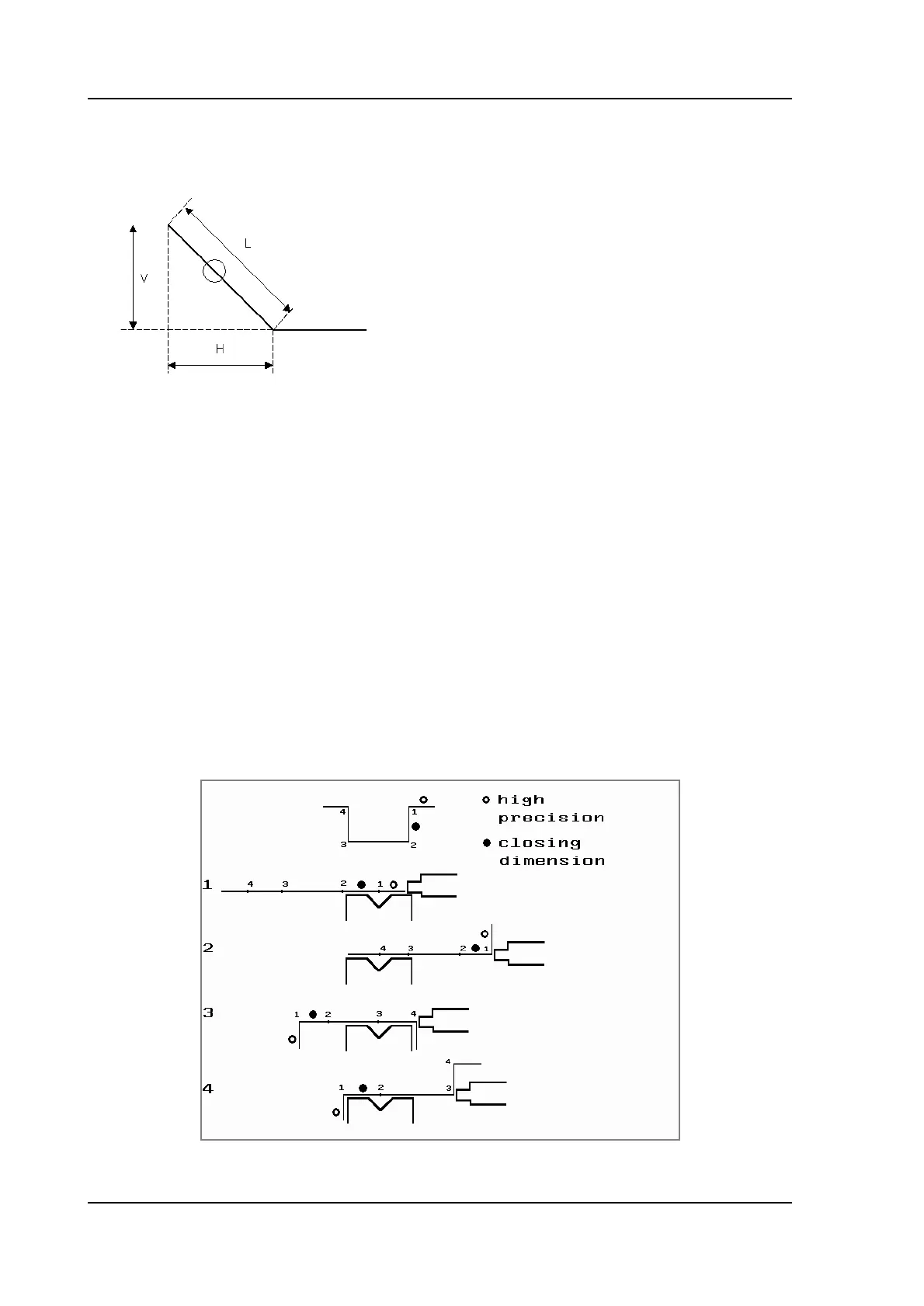
When the drawing cursor is on a line segment, you can select the level of precision for this
line. Enter the properties and go to the parameter Precision.
Precision
Select the level of precision for a line.
Normal: Achieve normal accuracy for this segment.
High: At bend sequence computation the back gauge stop position will be
chosen to get the highest possible precision for this line interval.
Closing dimension: At bend sequence computation the back gauge stop position will
be chosen to get the resulting tolerances in this line interval.
Example:
L is normal entered line length
V is vertical projected line length
H is horizontal projected line length



 To Next Page