V0215, 4.1
4. Tool configuration
4.1. Introduction
4.2. Standard procedure
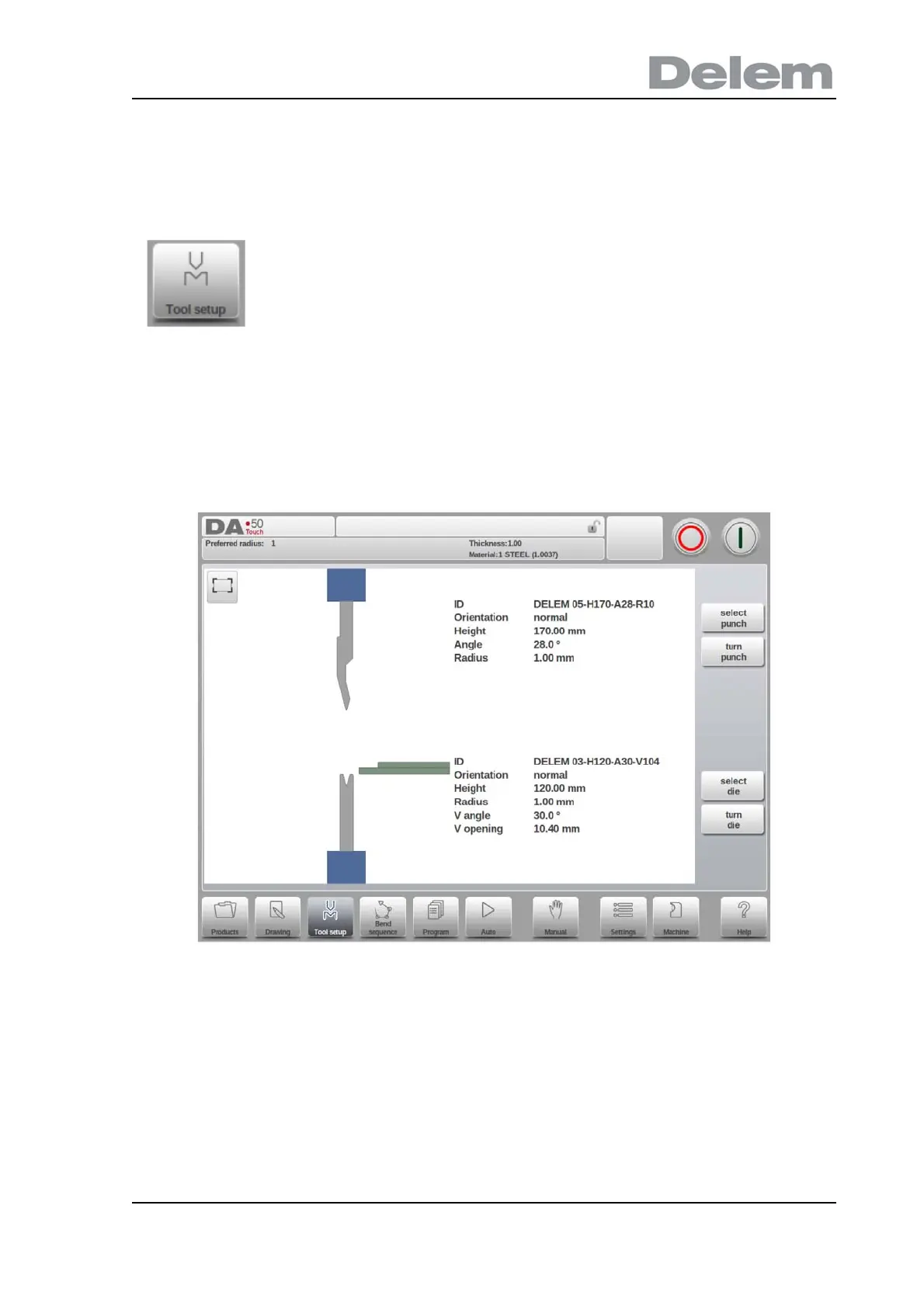
When the function Tool Setup has been activated, the screen shows the active machine set-
up. Both punch and die can be selected from the tool library.
The Upper and Lower tool, resp. Punch and Die, in the machine are shown and can be
changed. Tools can also be turned in this screen.
To edit or modify a tool setup for the product, select the product
from the library and use Tool Setup



 To Next Page