V0215, 4.2
4.3. Tool selection
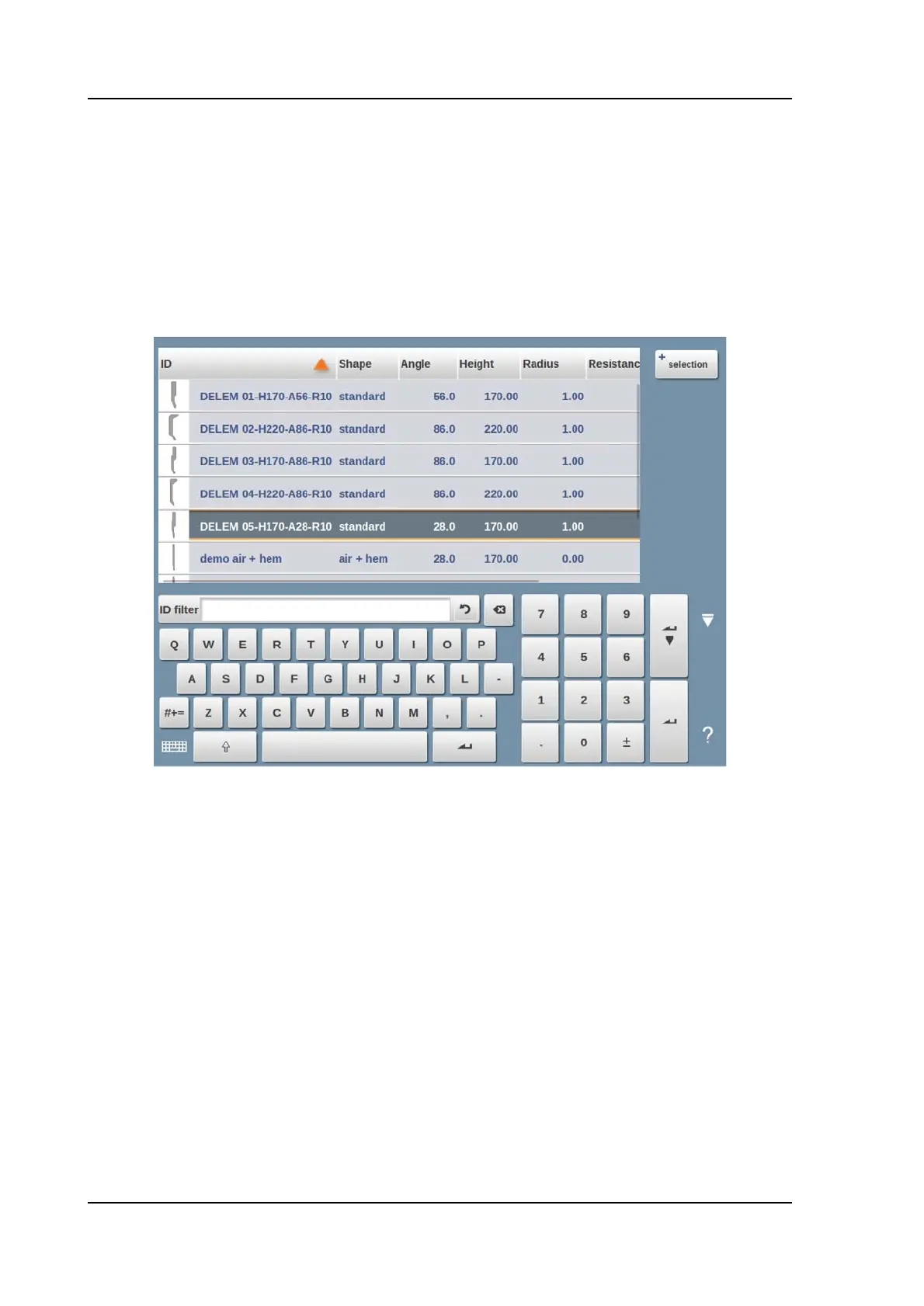
When selecting tools, both upper and lower tool (resp. punch and die) can be selected from
the tool library.
Tap Select Punch or Select Die to change tools to the configuration.
To change the filtering, Selection can be used to switch in between ID and Description.
If only a part of the tool ID is typed, the control automatically offers a list of tools with the typed
characters. This is a filtering function.



 To Next Page