V0215, 5.1
5. Bend Sequence
5.1. Introduction
When a tool configuration is available, the bend simulation can be started to determine a bend
sequence for the active product. The bend sequence determination is started by tapping the
navigation button Bend Sequence.
The bendsequence determination can be realised by automatic calculation starting with the
bent product. It is also possible determining the sequence manually starting with the flat
product, not using the automatic calculation.
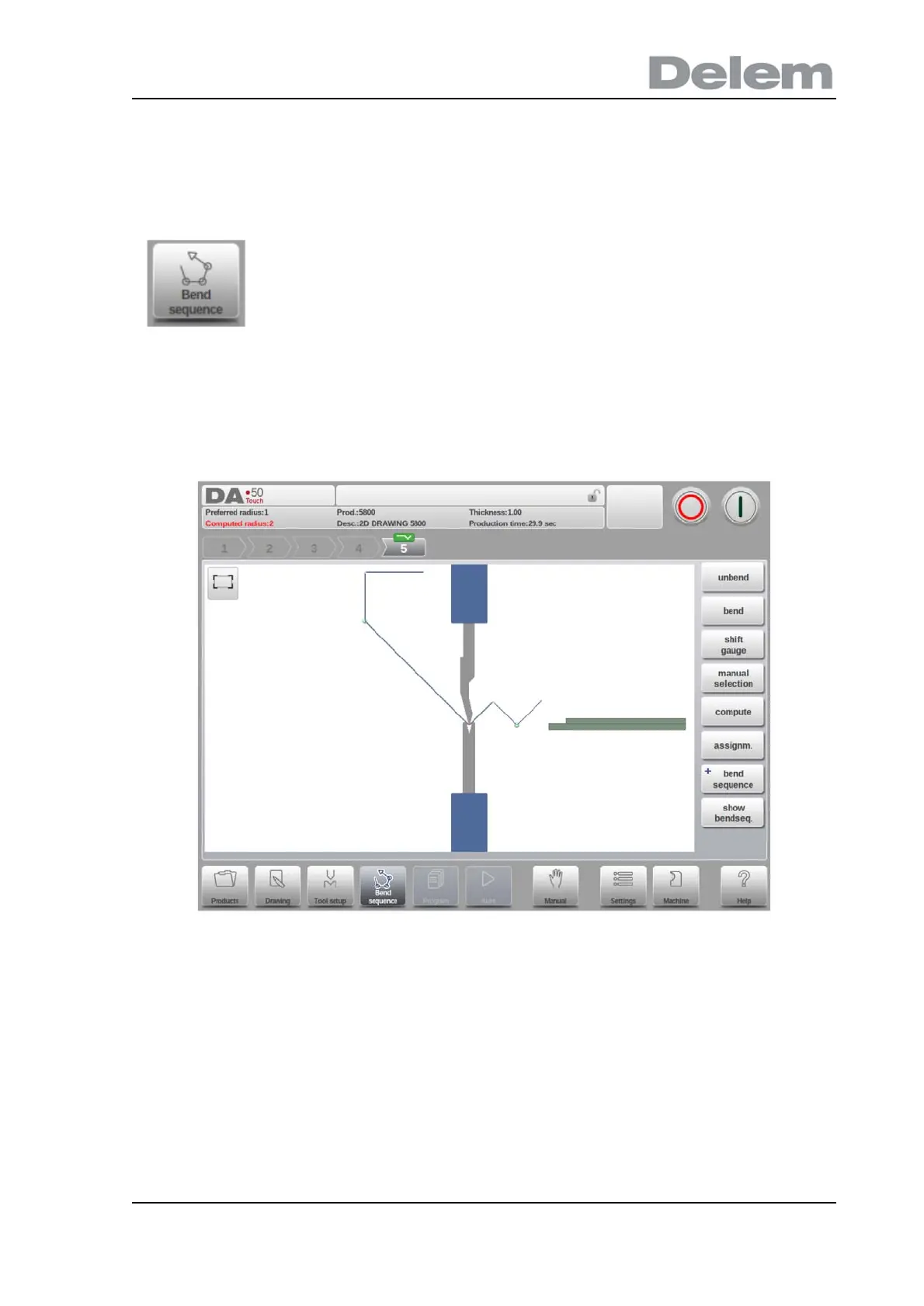
In the bendsequence screen the product appears between the tools in a possible last bend
position. When starting the simulation, the product is shown in its final state. In order to obtain
a bend sequence, the product must be unfolded from the last bend to the first. This can be
done with the available function keys.
When it is prefered to start with a unfolded product to manually chose the bendsequence, this
can be chosen under the command button Bend Sequence.
To generate or modify a bend sequence for the product drawing,
select the product from the library and use Bend Sequence



 To Next Page