V0215, 2.9
2.1.9. Network product selection (only available when Network option has
been installed)
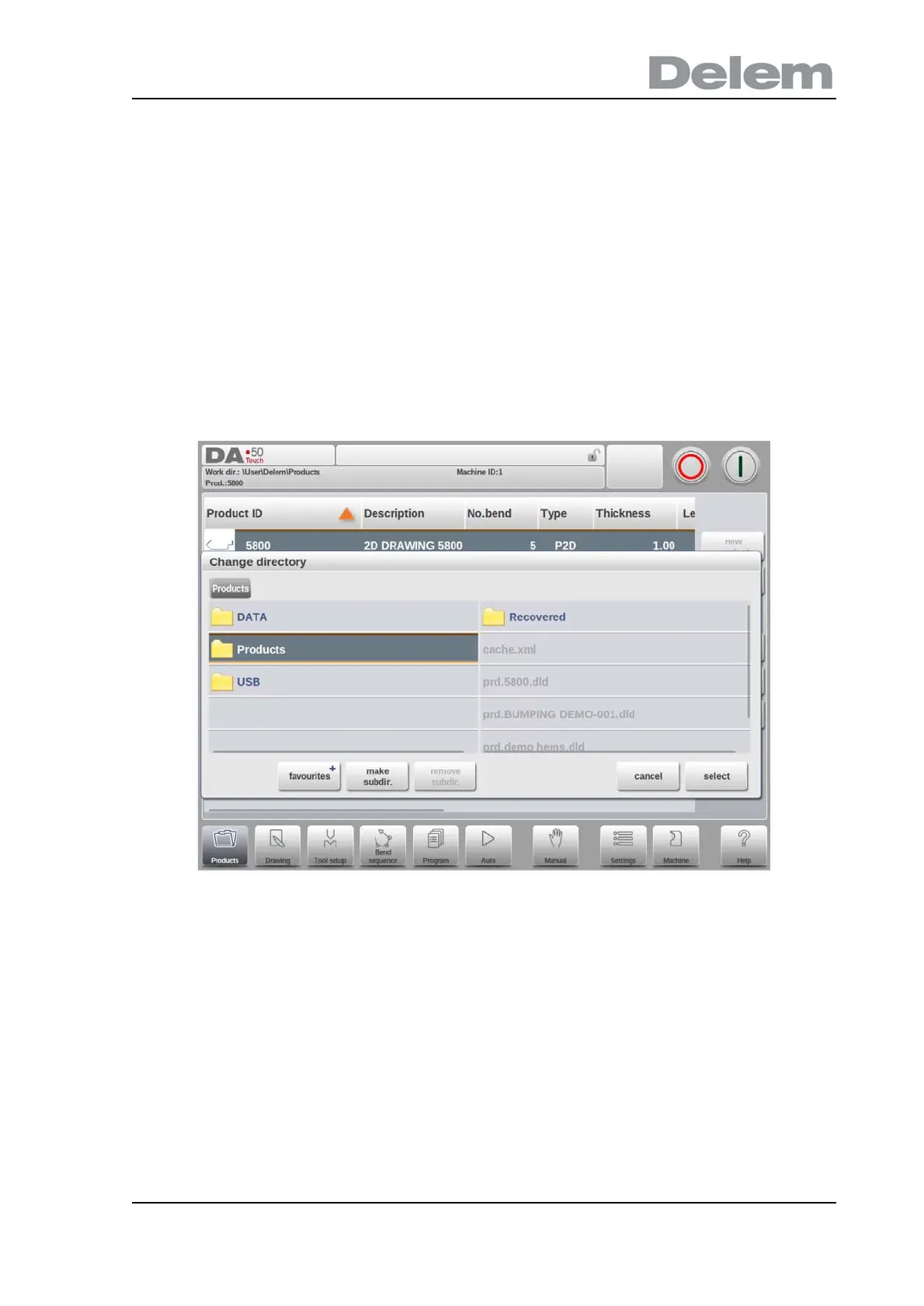
When a networkdirectory has been mounted in the control this mounted directory can be
found under Network. Network is available next to the Product directory when using change
directory. The name of the mounted drive indicates availability for product selection and
storage.
The network directories can be navigated thru in the directory browser. Directories can be
selected, added and removed and products can be selected. When a desired directory is
reached, tap Select to jump back to the Products screen which will show all products in the
directory. The network directory is now the active local directory. Its name is displayed in the
header of the screen.
When you leave the product selection menu the control remembers the active subdirectory
and the active product (if a product was selected) until another directory or product is
selected.
While working with a “read-only” network, or when the network connection is interupted, the
product will be saved in subdirectory “Recovered”. This can be found as a subdirectory under
Products.



 To Next Page