V0215, 7.9
7.2.5. Manual positioning
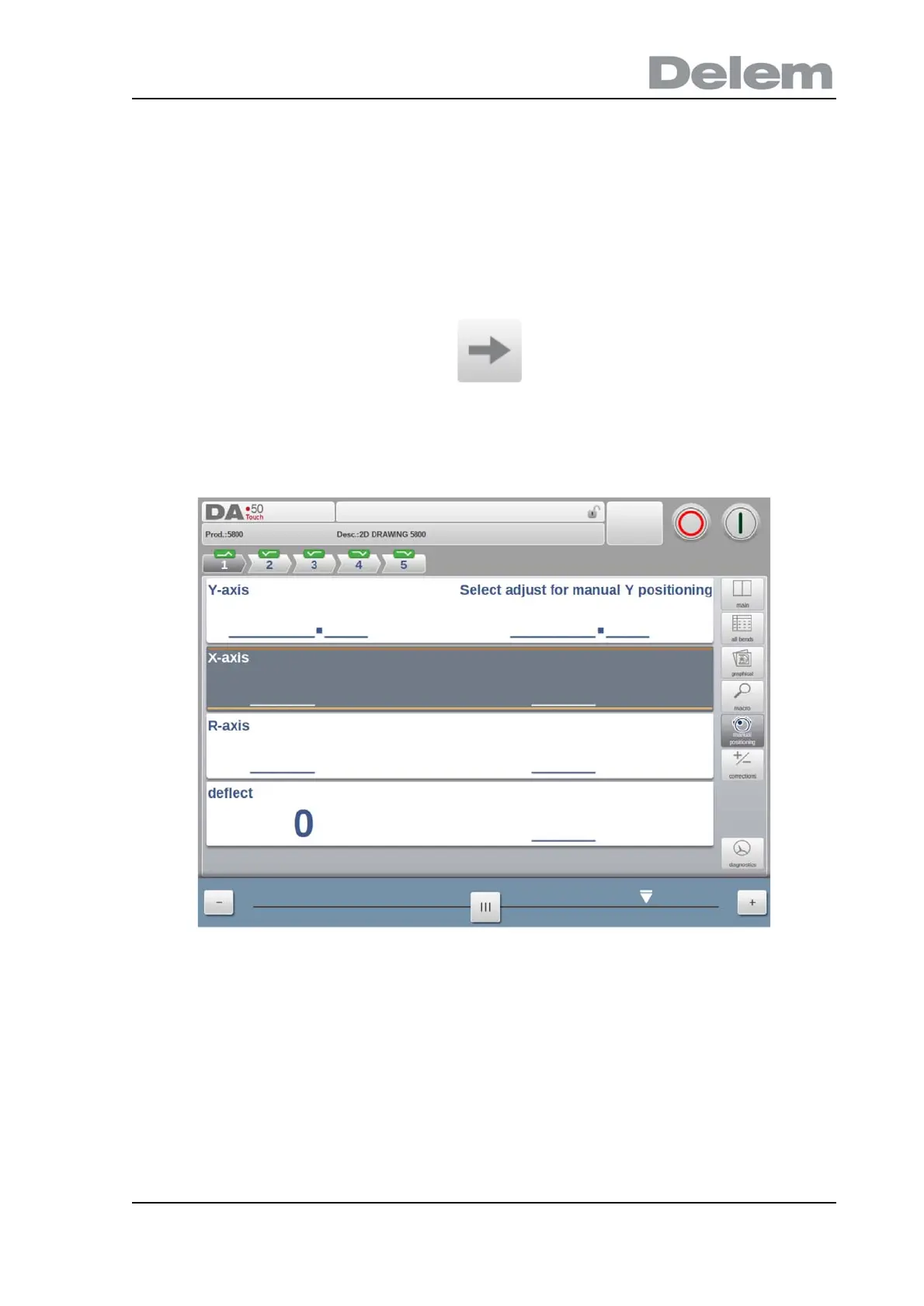
In manual positioning view mode the axes values are shown at large. Axes can be selected
and while selected the position can be controlled by moving the slider, on the bottem of the
screen, out of its middle position. When releasing the slider it will automatically return to its
middle position.
The teach indicator:
When the teach indicators arrow is pressed, standing in between actual value and
programmed value, the value is tought to the program step.



 To Next Page