V0215, 10.26
10.5. Drawing functionality for tools and machine shapes
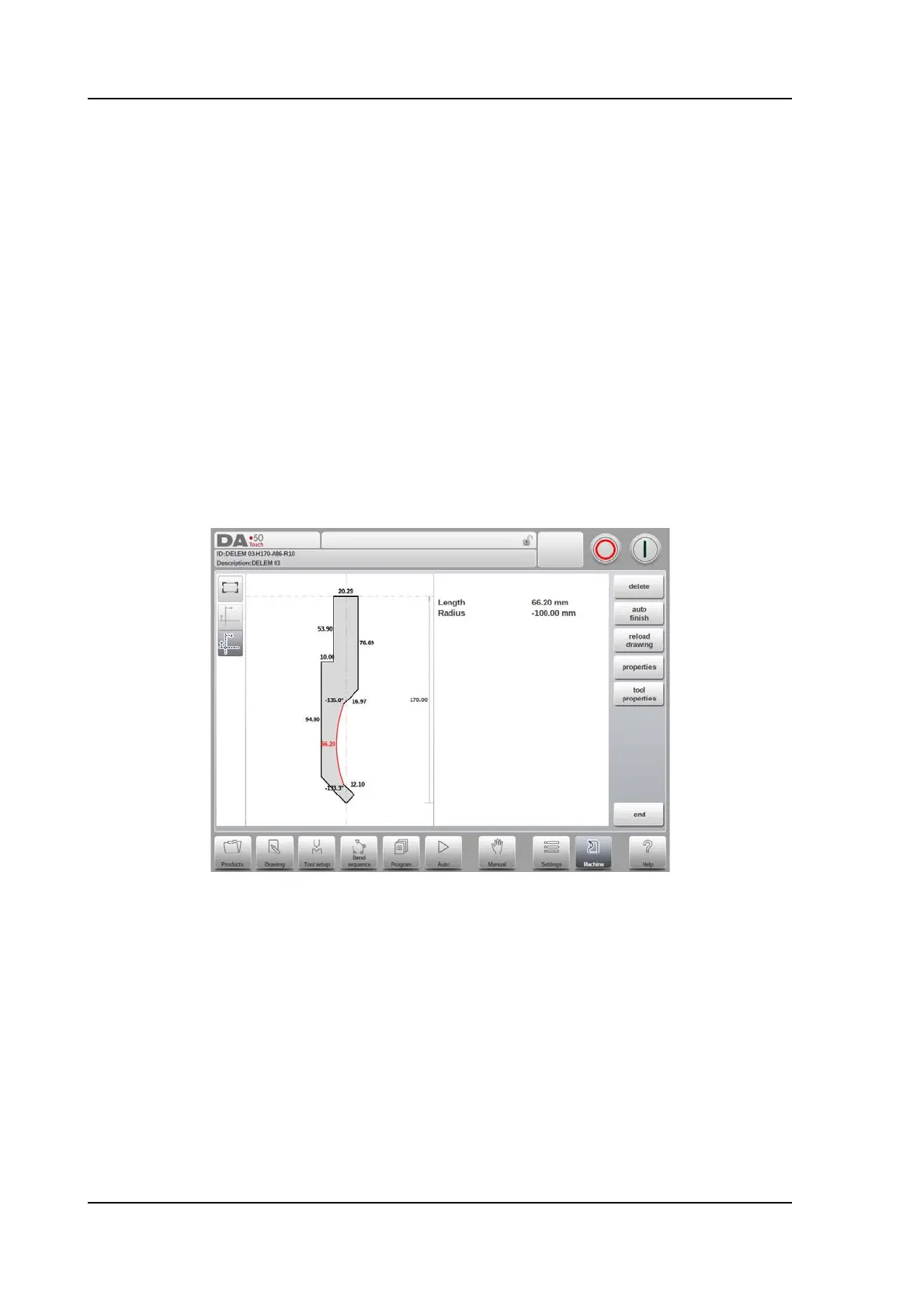
In programming punches, dies and also machine shapes, after the main data the control
provides the functionality to freely draw the desired shape in the object. This functionality
makes the objects appear more realistic but most of all enables the control to do an accurate
collision prevention.
In this drawing functionality multiple methods can be used to have the desired shape.
One can sketch the desired shape and after that change segments to program their accurate
value. One can also start doing this from the first drawn segment, step by step.
Important to know is the following:
• In the end these shapes should be closed. The auto-finish function can help with that.
• The height of the programmed object is used in the bending calculations. Keep in mind
that this is very important to get to the desired results.
Helpful to know can be the following:
• A line as well as an angle can be given a radius.
• Snapping will help to align lines and angles to its surroundings.



 To Next Page