V0215, 6.5
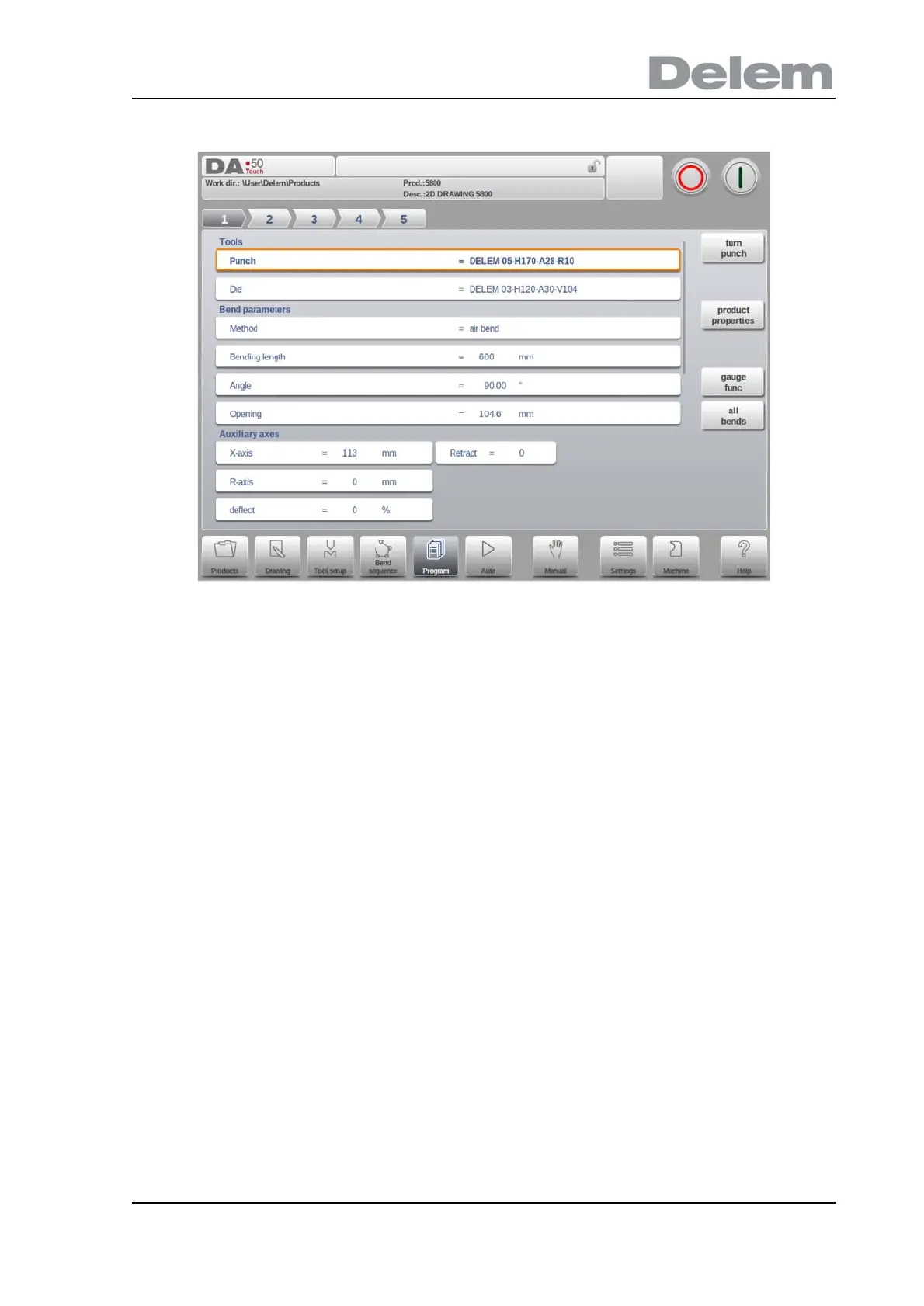
The bend selector in the top of the screen can be used to navigate thru the bends. The
indicated bends can be tapped to easily select the desired bend data.
Product Properties
Opens a new window, in which product properties, effective for all bends, are shown and can
be editted.
Gauge Functions
Opens a window in which axes positions in relation to finger positions can be programmed.
All Bends
Opens a new window, in which all bends are shown in a table.
See more on these functions further in this paragraph.



 To Next Page