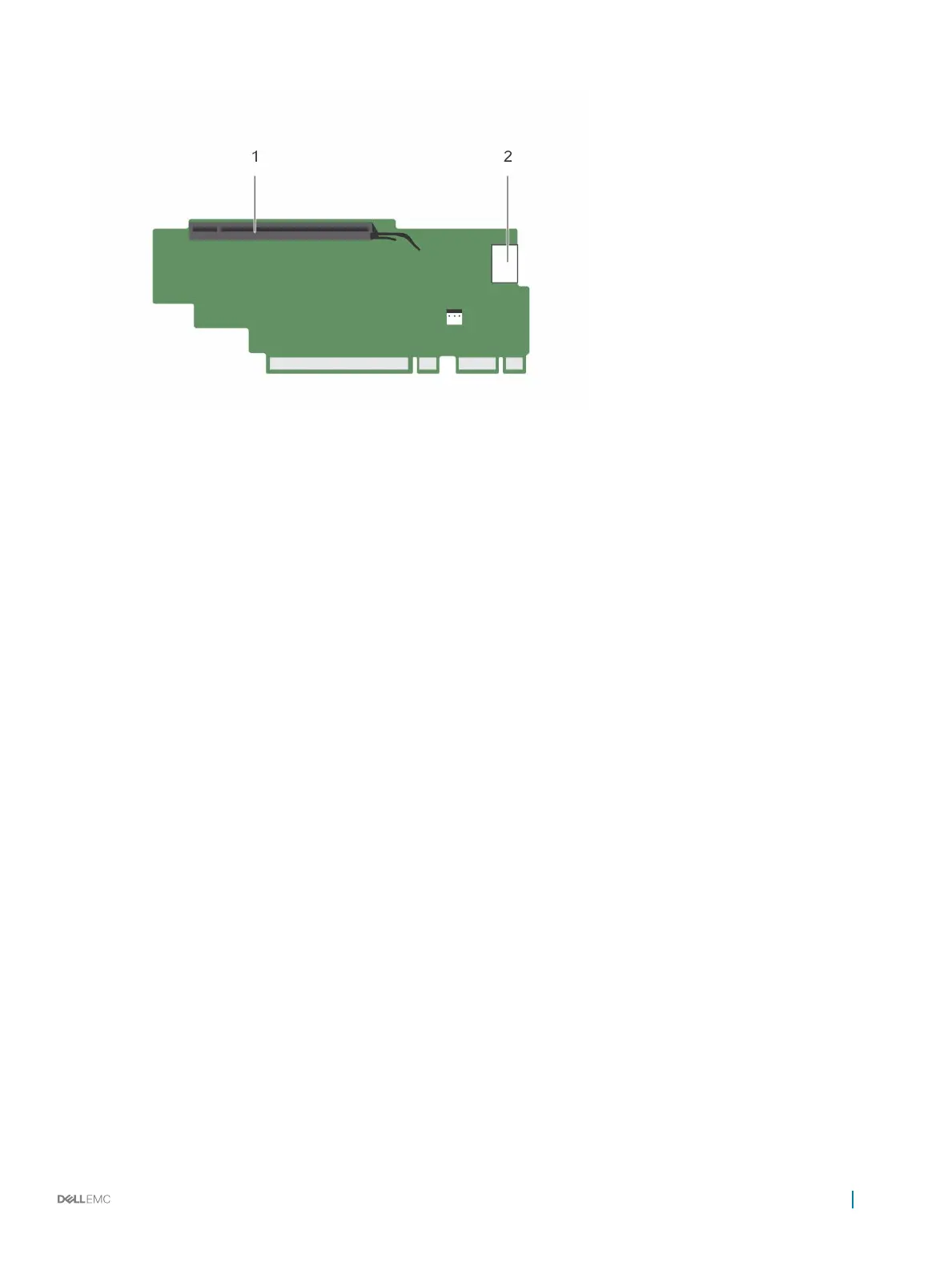
Figure 43. Identifying connectors on the expansion card riser 3 (alternate)
1 expansion card slot 6 2 power connector (for GPU cards)
Next steps
1 If removed, install an expansion card on the riser.
2 If applicable, replace the expansion card riser.
3 Follow the procedure listed in the After working inside your appliance section.
Installing expansion card risers
Prerequisites
1 Follow the safety guidelines listed in the Safety instructions section.
2 Follow the procedure listed in the Before working inside your appliance section.
3 If removed, install the expansion card(s) into the expansion card riser 1.
Steps
1 Align the expansion card riser with the connectors and the riser guides on the system board.
2 Lower the expansion card riser into place until the expansion card riser is fully seated in the connector.
Installing and removing components
83










 To Next Page