4. Remove the front bezel.
5. Disconnect the power and data cables from the front IO module.
Steps
1.
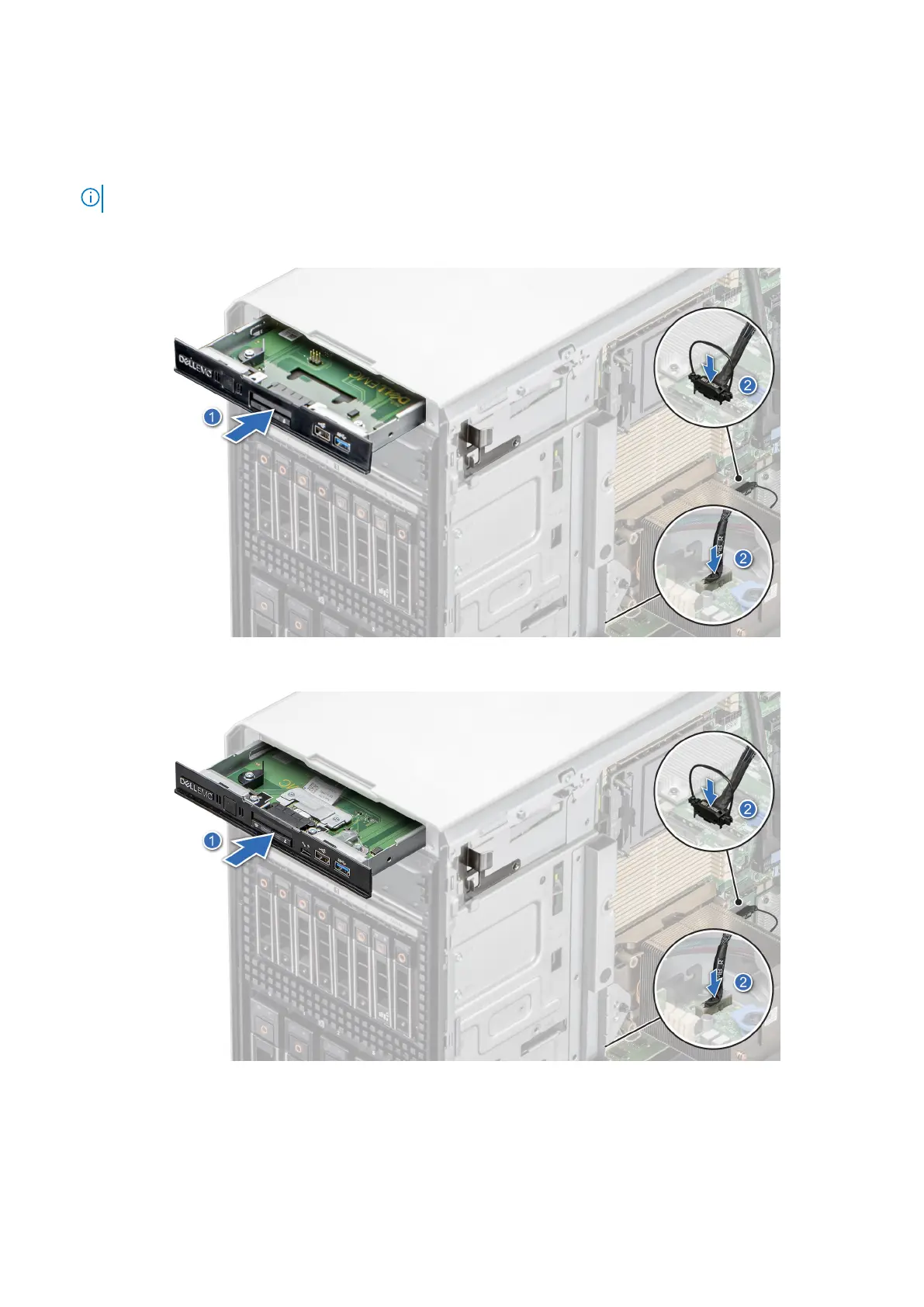
NOTE: The procedure to remove the front IO module is similar for base and upsell configurations.
Align the front IO module with the slot on the system.
2. Slide the front IO module into the slot until the release bracket clicks into place.
Figure 103. Installing the front IO module for base configuration
Figure 104. Installing the front IO module for upsell configuration
Next steps
1. Connect the power cable and the data cable to the front IO module.
Installing and removing system components
107














 To Next Page