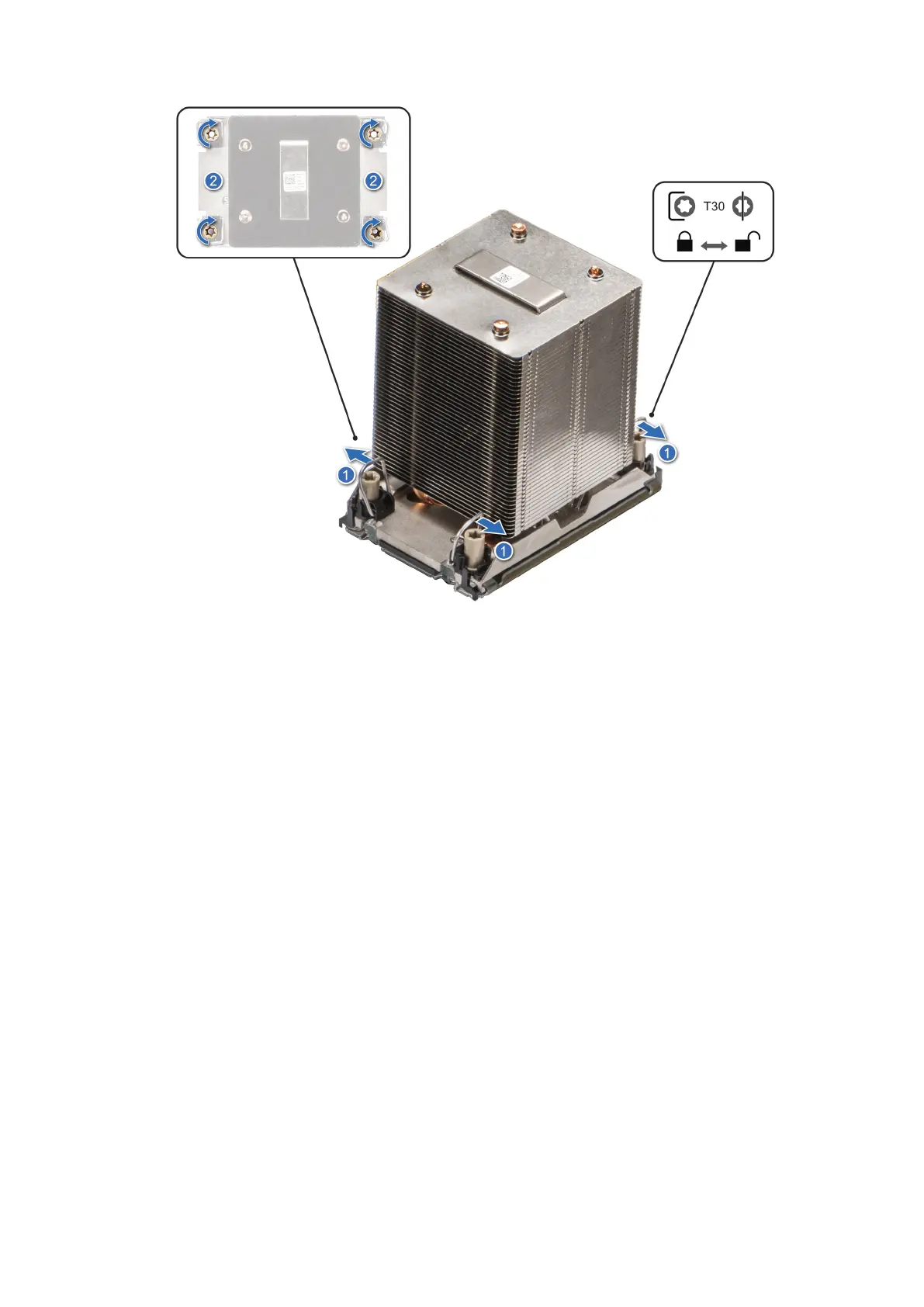
Figure 150. Set the anti-tilt wires to the locked position and tightening the nuts
Next steps
1. Install the air shroud.
2. Follow the procedure listed in After working inside your system.
Optional OCP card
Removing the OCP card
Prerequisites
1. Follow the safety guidelines listed in Safety instructions.
2. Follow the procedure that is listed in Before working inside your system.
3. Remove the air shroud.
Steps
1. Slide the OCP air shroud toward the front of the system and lift the OCP air shroud out of the system.
Installing and removing system components
147














 To Next Page