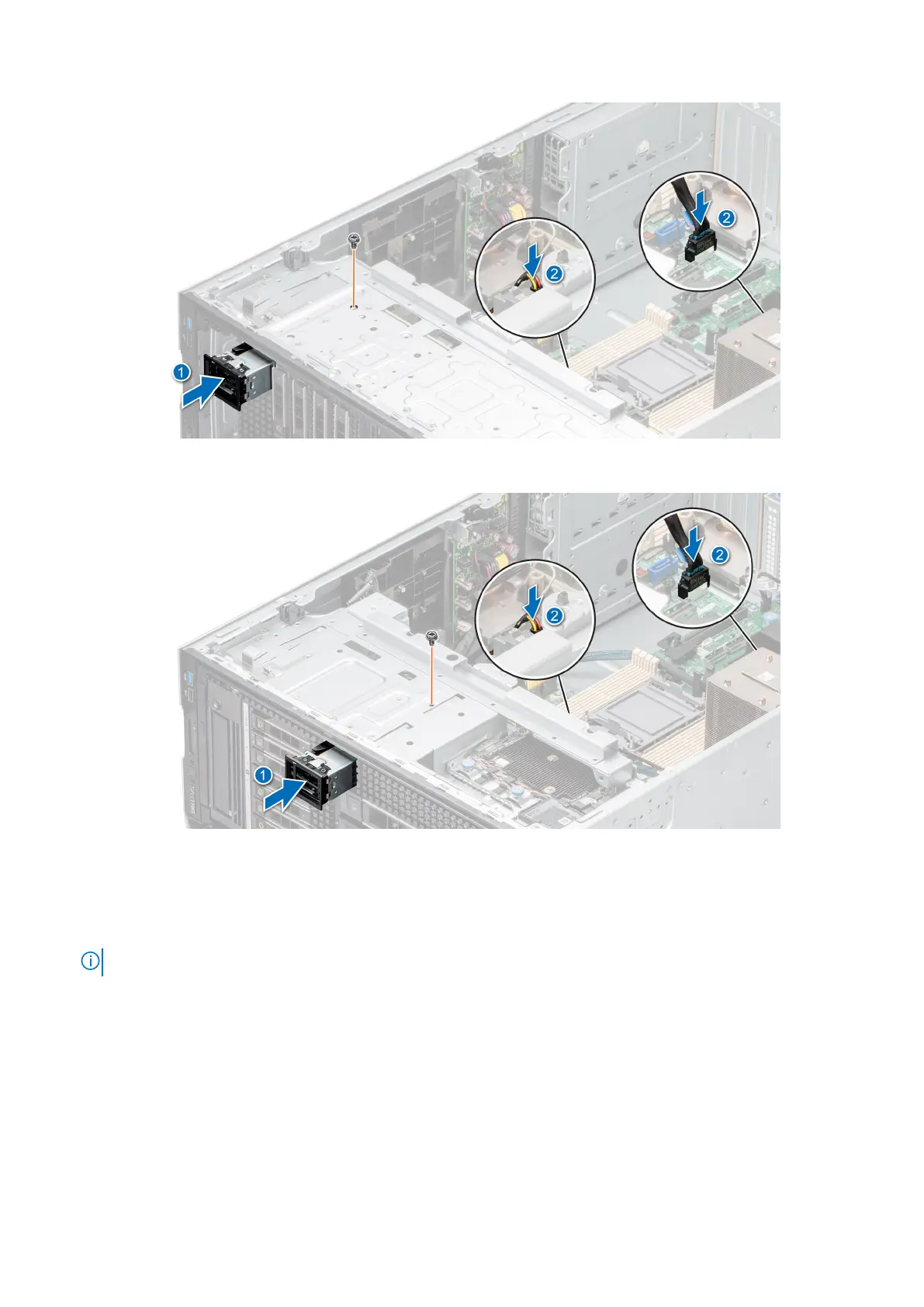
Figure 112. Installing the BOSS S2 module
Figure 113. Installing the BOSS S2 module
Next steps
1. Connect the cables to the system board connectors.
NOTE: Route the cables properly to prevent them from being pinched or crimped.
2. If removed, install the front bezel.
3. Install the air shroud.
4. Follow the procedure that is listed in After working inside your system.
Removing the BOSS S2 card carrier
Prerequisites
1. Follow the safety guidelines listed in Safety instructions.
2. Follow the procedure that is listed in Before working inside your system.
114
Installing and removing system components














 To Next Page