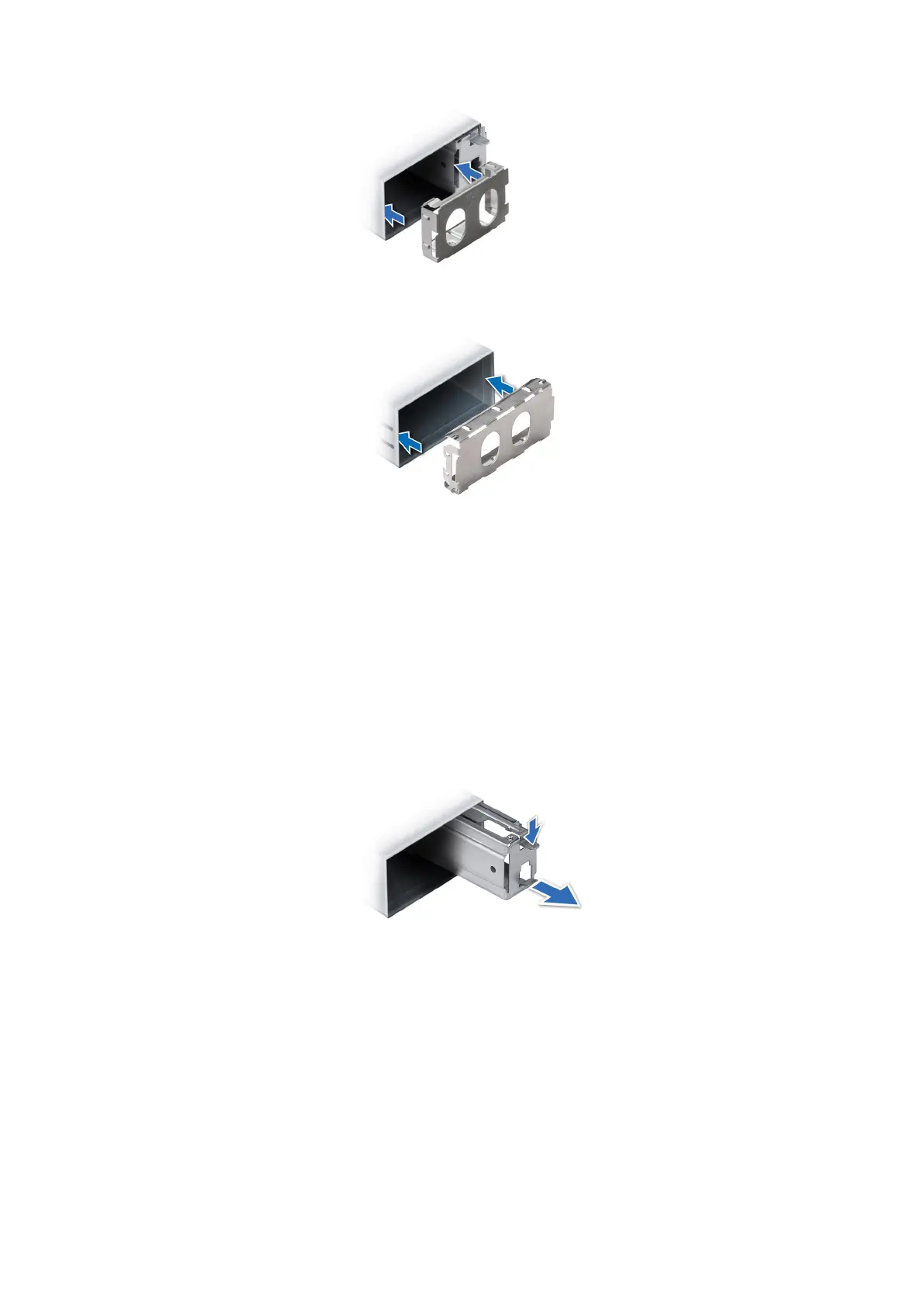
Figure 165. Installing a 60 mm power supply unit blank
Figure 166. Installing a 86 mm power supply unit blank
Removing a power supply unit adapter
Remove the PSU adapter, when installing PSU with 86 mm wide form factor.
Prerequisites
Follow the safety guidelines listed in the Safety instructions.
Steps
Press release latch and remove the power supply unit adapter.
Figure 167. Removing a power supply unit adapter
Next steps
Replace the PSU adapter or install an 86 mm PSU.
Installing a power supply unit adapter
Prerequisites
1. Follow the safety guidelines listed in the Safety instructions.
2. If required, remove the PSU.
158
Installing and removing system components














 To Next Page