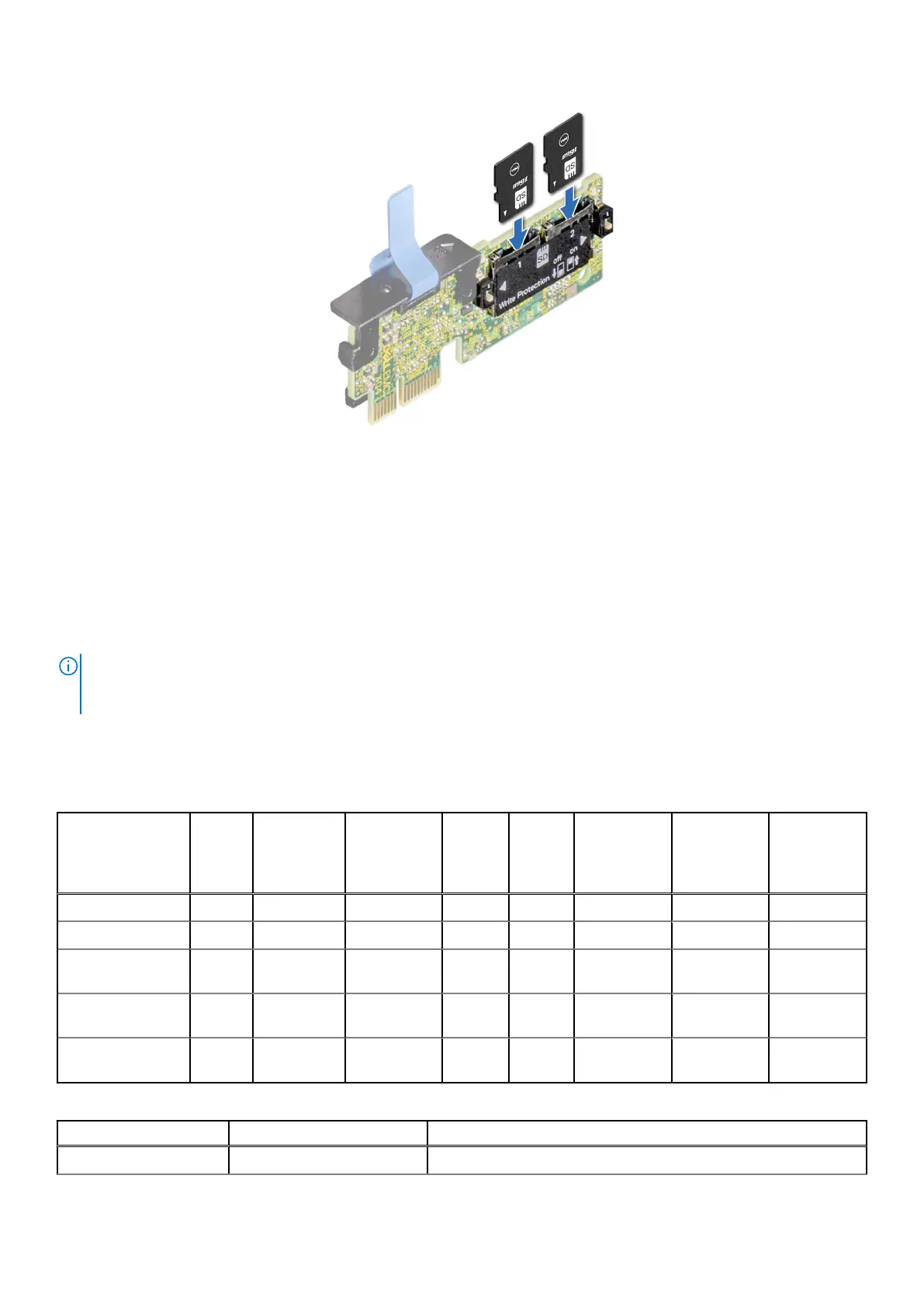
Figure 127. Installing the MicroSD card
Next steps
1. Install the IDSDM module.
2. Follow the procedure listed in After working inside your system.
Expansion cards
NOTE:
When an expansion card is not supported or missing, the iDRAC and Lifecycle Controller logs an event. This does
not prevent your system from booting. However, if a F1/F2 pause occurs with an error message, see Troubleshooting
expansion cards section in the Dell EMC PowerEdge Servers Troubleshooting Guide at www.dell.com/poweredgemanuals.
Expansion card installation guidelines
Table 38. Supported riser configurations
Configuration
Type
Riser
configu
ration
Processors x16
Processor 1
Slot 1
(FHFL)
x16
Process
or 2
Slot 2
(FHFL)
x16
Proces
sor 2
Slot 3
(FHFL)
x16
Processor 2
Slot 4
(FHHL)
X4 PCH Slot
5 (FHHL)
x16
Processor 1
Slot 6
(FHHL)
C0 N/A 2 0 0 1 1 1 1
C0-1 N/A 1 0 0 0 0 1 1
C1 1 x GPU
riser
2 1 0 1 1 1 1
C1-1 1 x GPU
riser
1 1 0 0 0 1 1
C2 2 x GPU
riser
2 1 1 1 1 1 1
Table 39. Configuration type C0
Card Type Slot priority Maximum number of cards
FPERC 10.15 H345 Internal 2
Installing and removing system components 123














 To Next Page