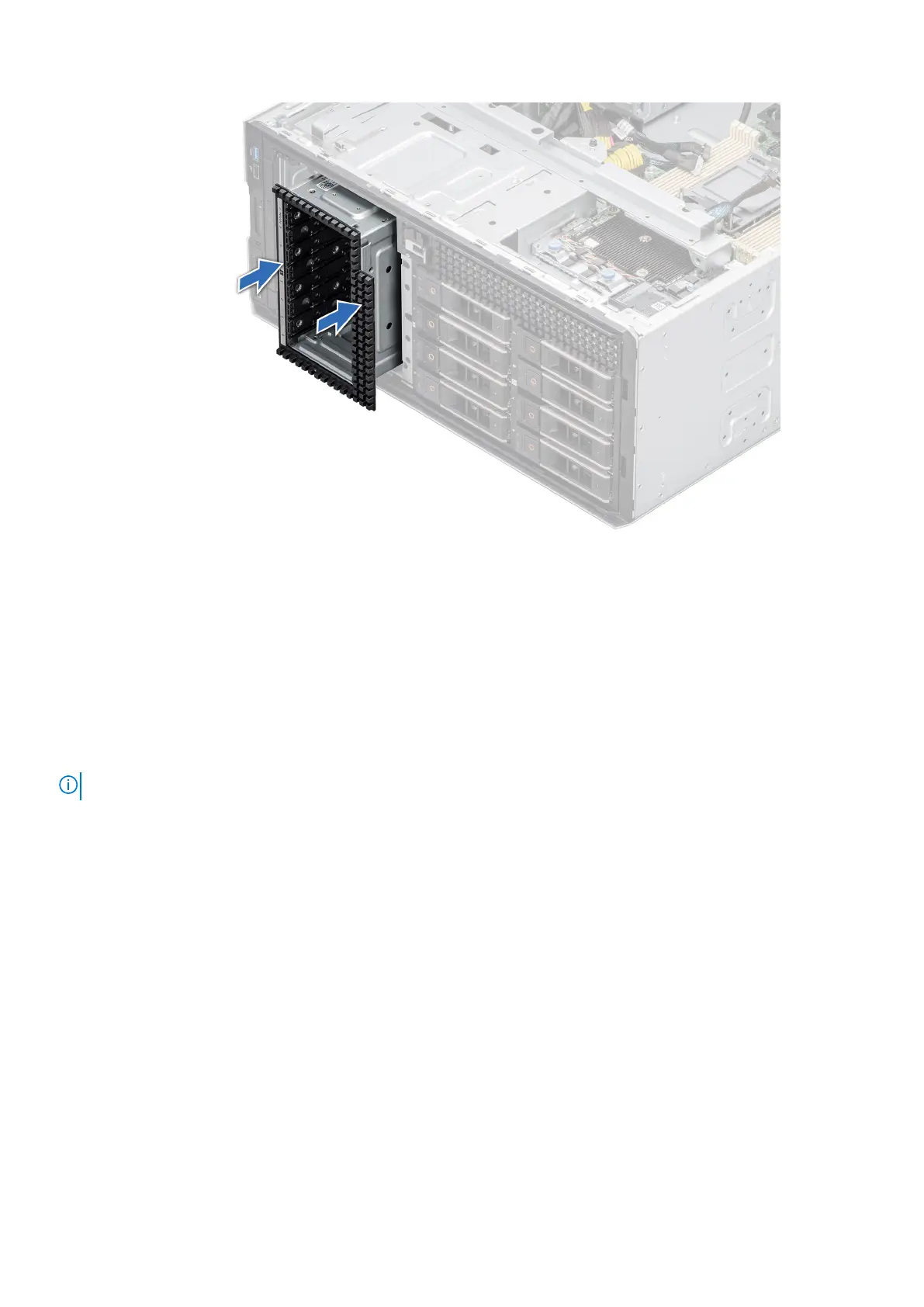
Figure 71. Installing a NVME drive bay
Next steps
1. Install the backplane to the drive bay.
2. Install the drives.
3. Follow the procedure listed in After working inside your system.
Cable routing
NOTE: The cable routing shown for the connectors PIB_SIG_1, PIB_SIG_2 and SYS_PWR_1 are same for all configurations.
76 Installing and removing system components














 To Next Page