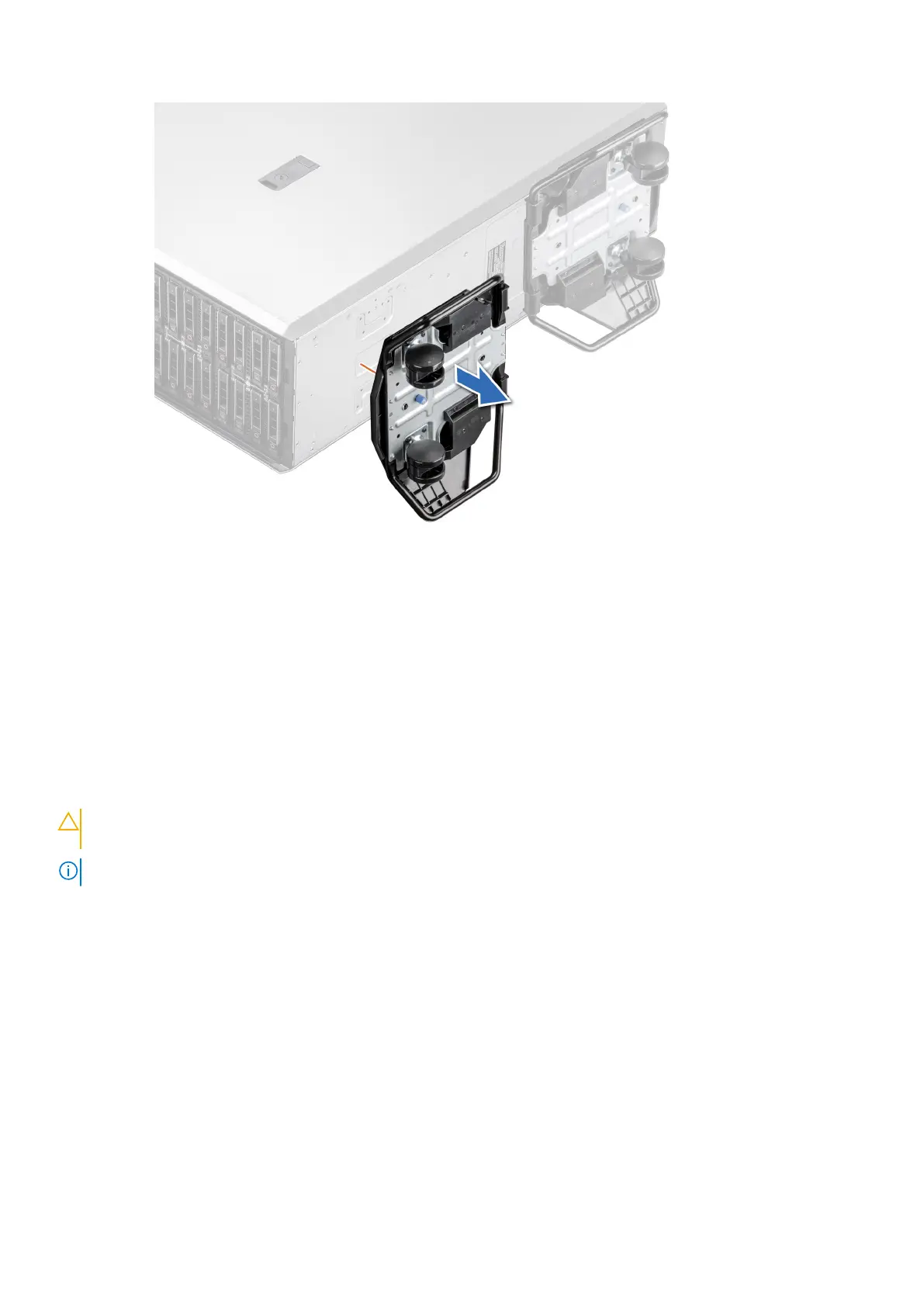
Figure 29. Removing caster wheels
Next steps
Replace the caster wheels or Install the system feet.
Installing caster wheels
Prerequisites
1. Follow the safety guidelines listed in Safety instructions.
2. Place the system on its side on a flat, stable surface.
3. If installed, remove the system feet.
CAUTION:
Install the caster wheels on a stand-alone tower system to provide stability to the system. An
unstable system might tip over and cause injury or damage to the system.
NOTE: This T series server only uses Dell EMC caster wheels.
Steps
Align the caster wheel to the base of system and tighten the captive screw to secure the caster wheel into place.
Installing and removing system components
41














 To Next Page