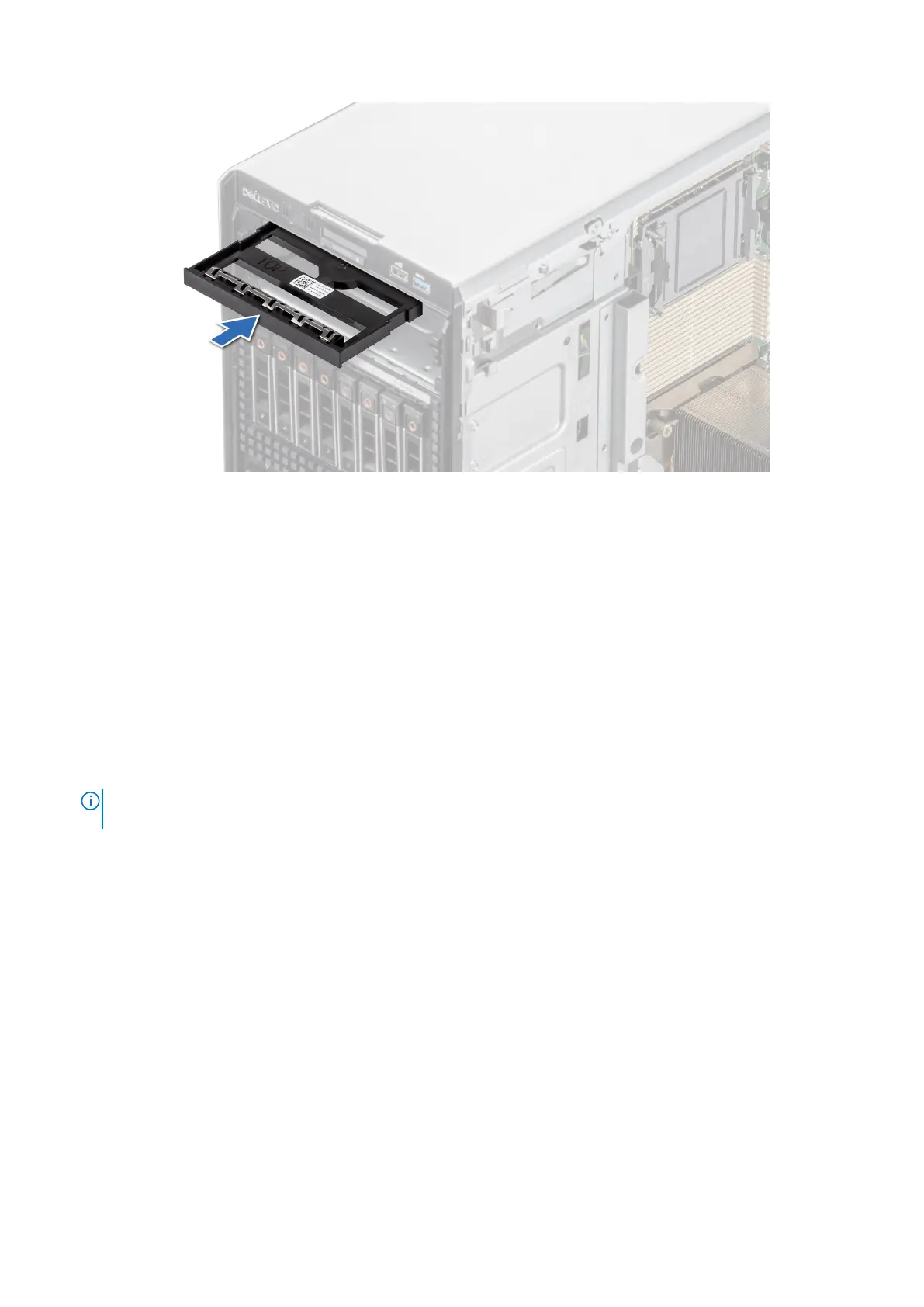
Figure 94. Installing the optical drive blank
Next steps
1. If removed, install the front bezel.
2. Follow the procedure that is listed in After working inside your system.
Removing the optical drive
Prerequisites
1. Follow the safety guidelines listed in Safety instructions.
2. Follow the procedure that is listed in Before working inside your system.
3. If installed, remove the front bezel.
4. Disconnect the power and data cables from the optical drive.
NOTE:
Ensure that you note the routing of the power and data cable on the side of the system as you remove them
from the system board and drive.
Steps
Press the release tab and slide the optical drive towards the front of the system.
Installing and removing system components
99














 To Next Page