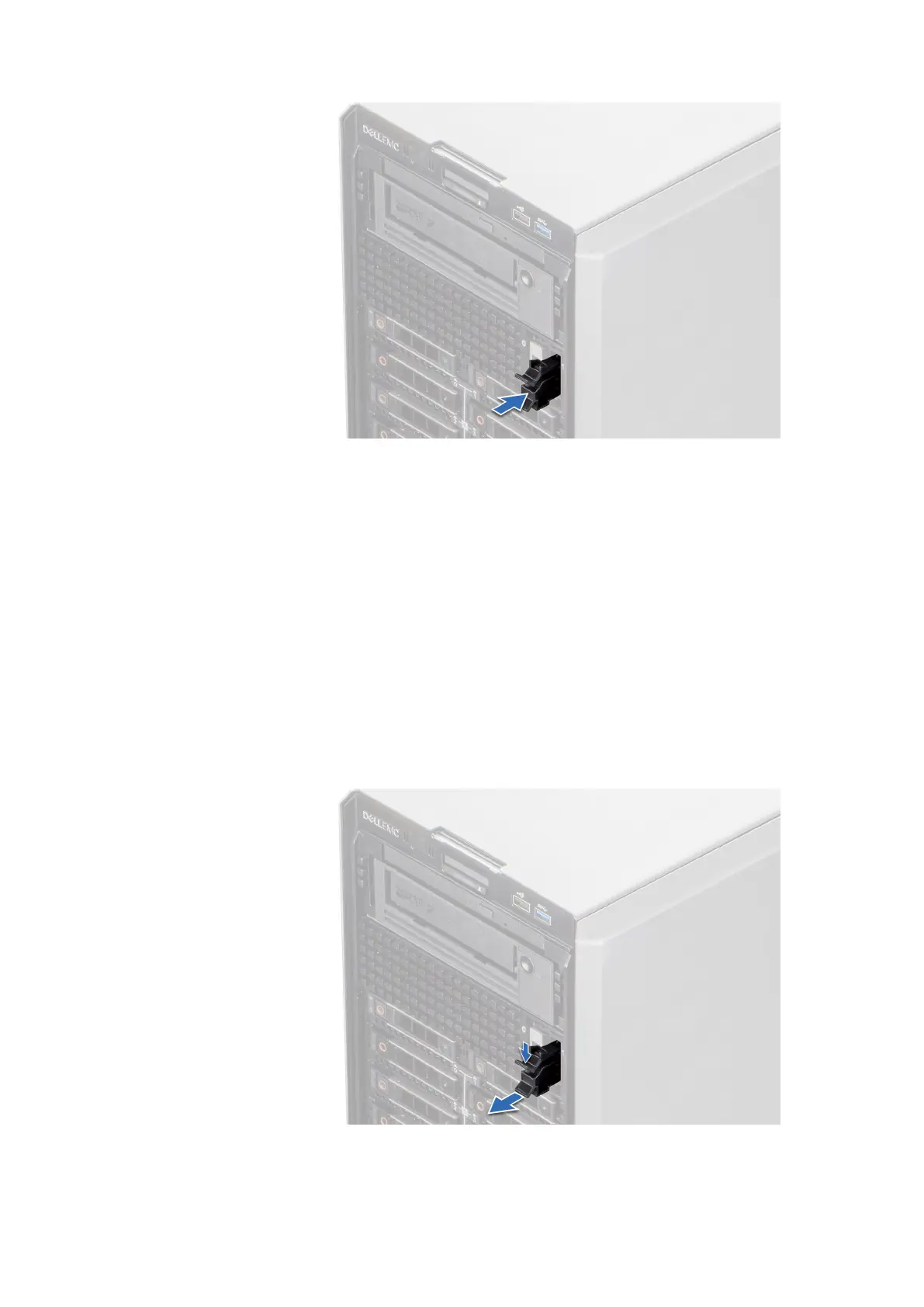
Figure 116. Installing the BOSS S2 card carrier blank
Next steps
Replace the BOSS S2 card carrier
Installing the BOSS S2 card carrier
Prerequisites
1. Follow the safety guidelines listed in Safety instructions.
2. Follow the procedure that is listed in Before working inside your system.
3. If installed, remove the front bezel.
Steps
1. Press the release clip and pull the BOSS S2 card carrier blank out of the system.
Figure 117. Removing the BOSS S2 card carrier blank
116
Installing and removing system components














 To Next Page