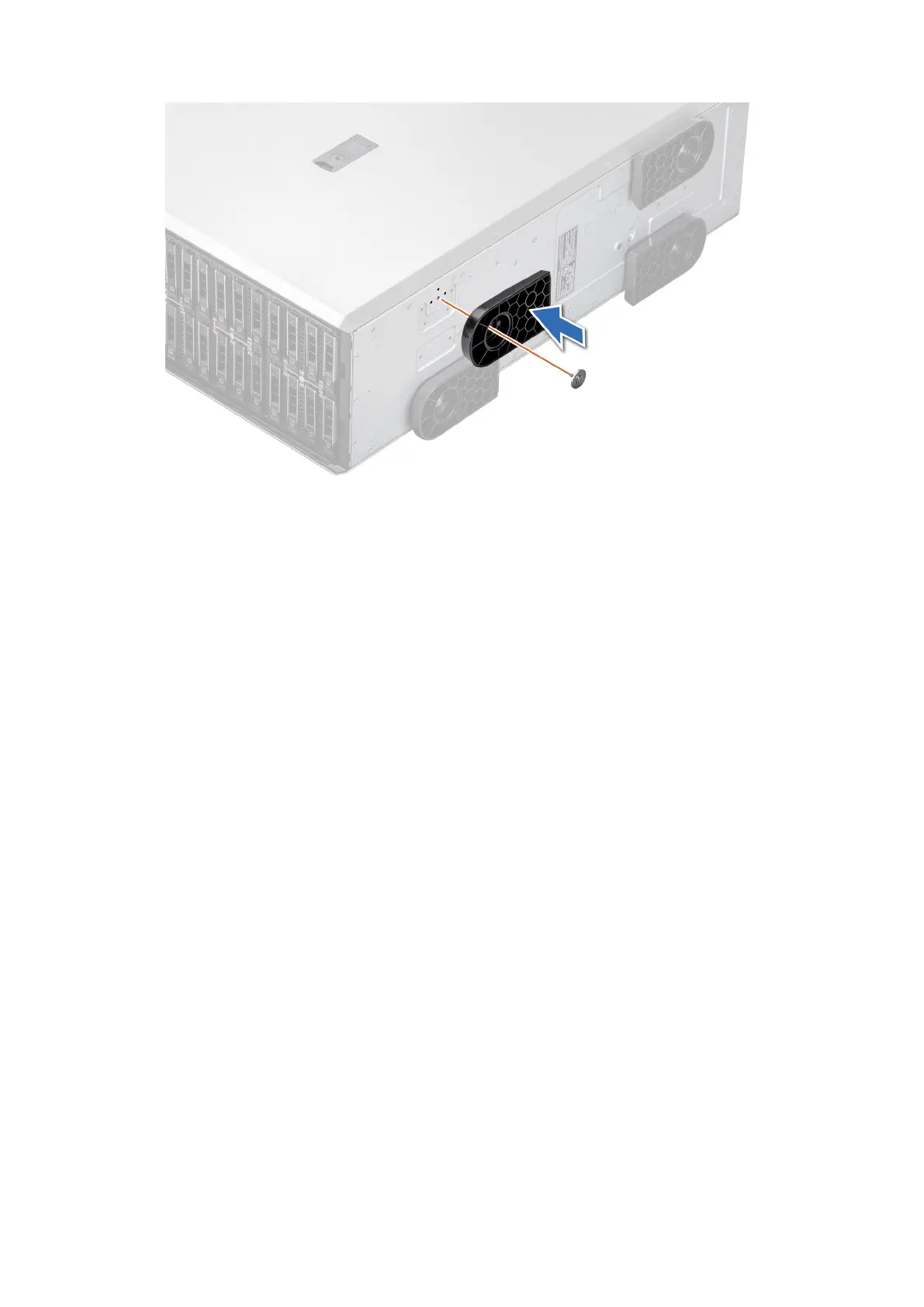
Figure 28. Installing the system feet
Next steps
1. Place the system upright on a flat, stable surface, and rotate the system feet outward.
2. Follow the procedure listed in After working inside your system.
Optional caster wheels
Removing caster wheels
Prerequisites
1. Follow the safety guidelines listed in Safety instructions.
2. If installed, remove the system feet.
3. Place the system on a flat, stable surface.
Steps
Using the Phillips 2 screwdriver, loosen the captive screw and remove the caster wheel from the base of the system.
40
Installing and removing system components














 To Next Page