Installing the drive bay cage blank
Prerequisites
Follow the safety guidelines listed in the Safety instructions.
Steps
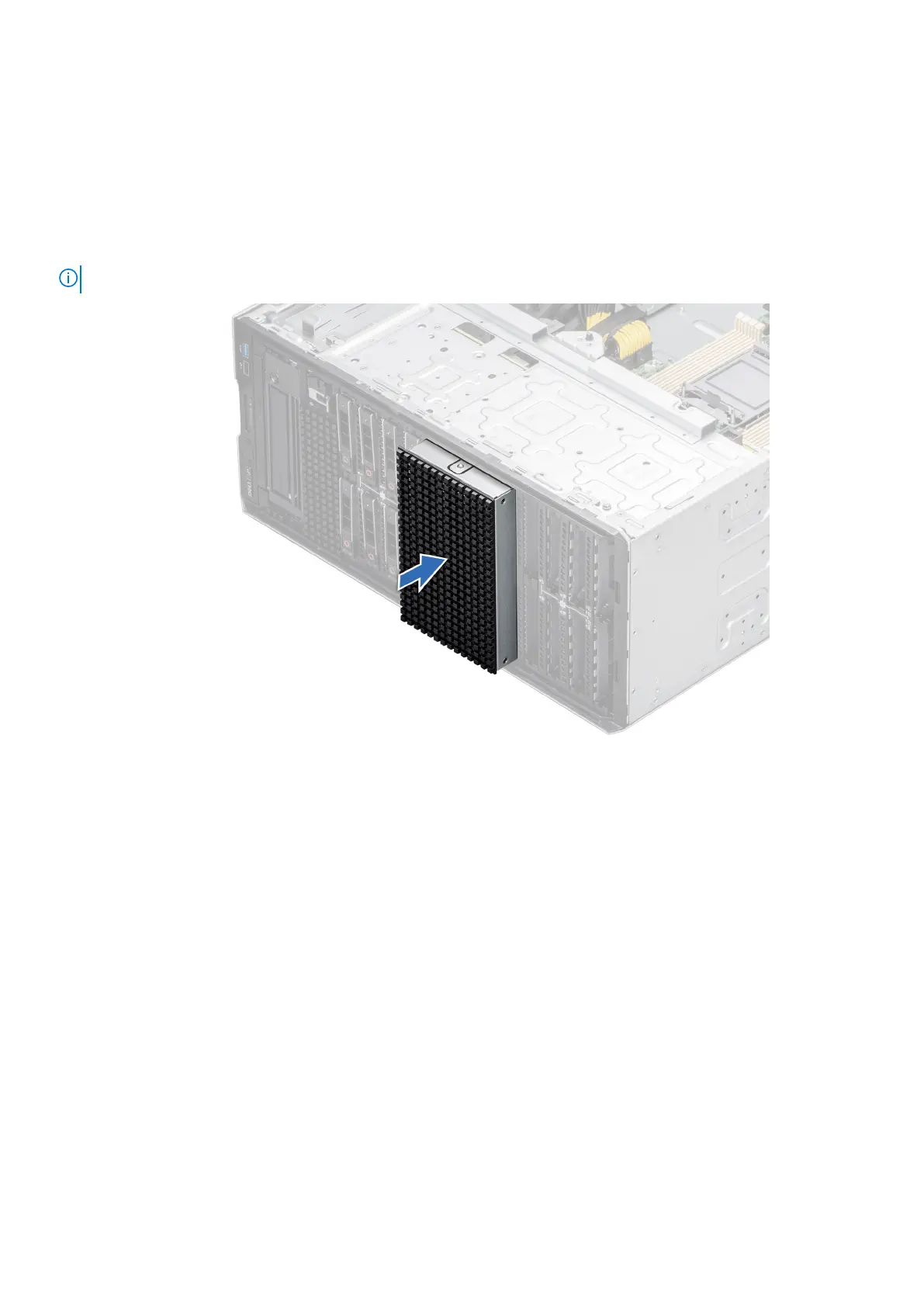
Align and push the blank into the drive bay cage slot, until it clicks into place.
NOTE: The procedure to install the drive cage blanks are similar.
Figure 64. Installing the drive bay cage blank
Installing and removing system components
71














 To Next Page