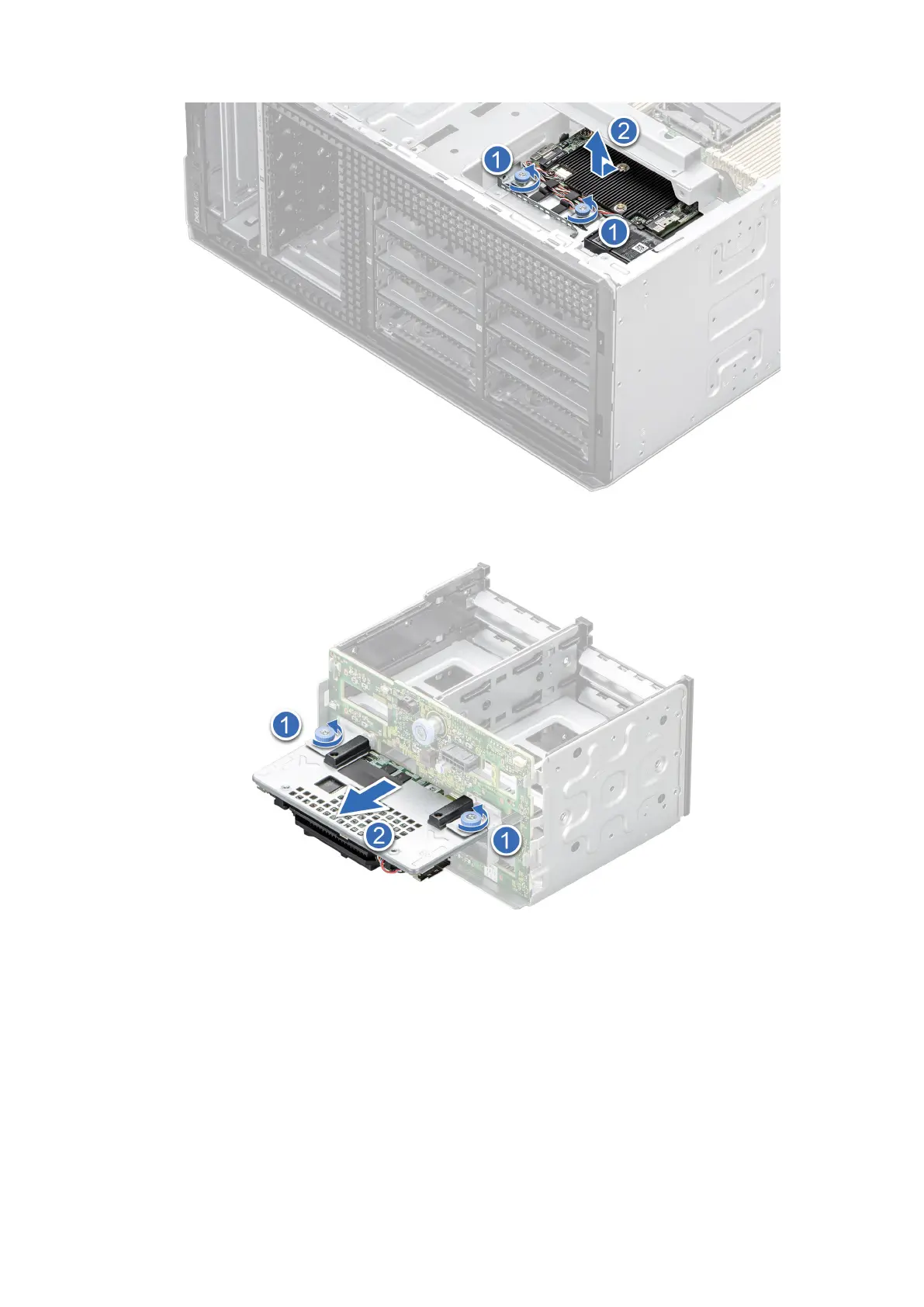
Figure 42. Removing the front PERC module for 3.5-inch drive backplane
Figure 43. Removing the front PERC module for 2.5-inch drive backplane.
Next steps
Replace the front PERC module.
Installing the front PERC module
Prerequisites
1. Follow the safety guidelines listed in Safety instructions.
2. Follow the procedure that is listed in Before working inside your system.
Installing and removing system components
53














 To Next Page