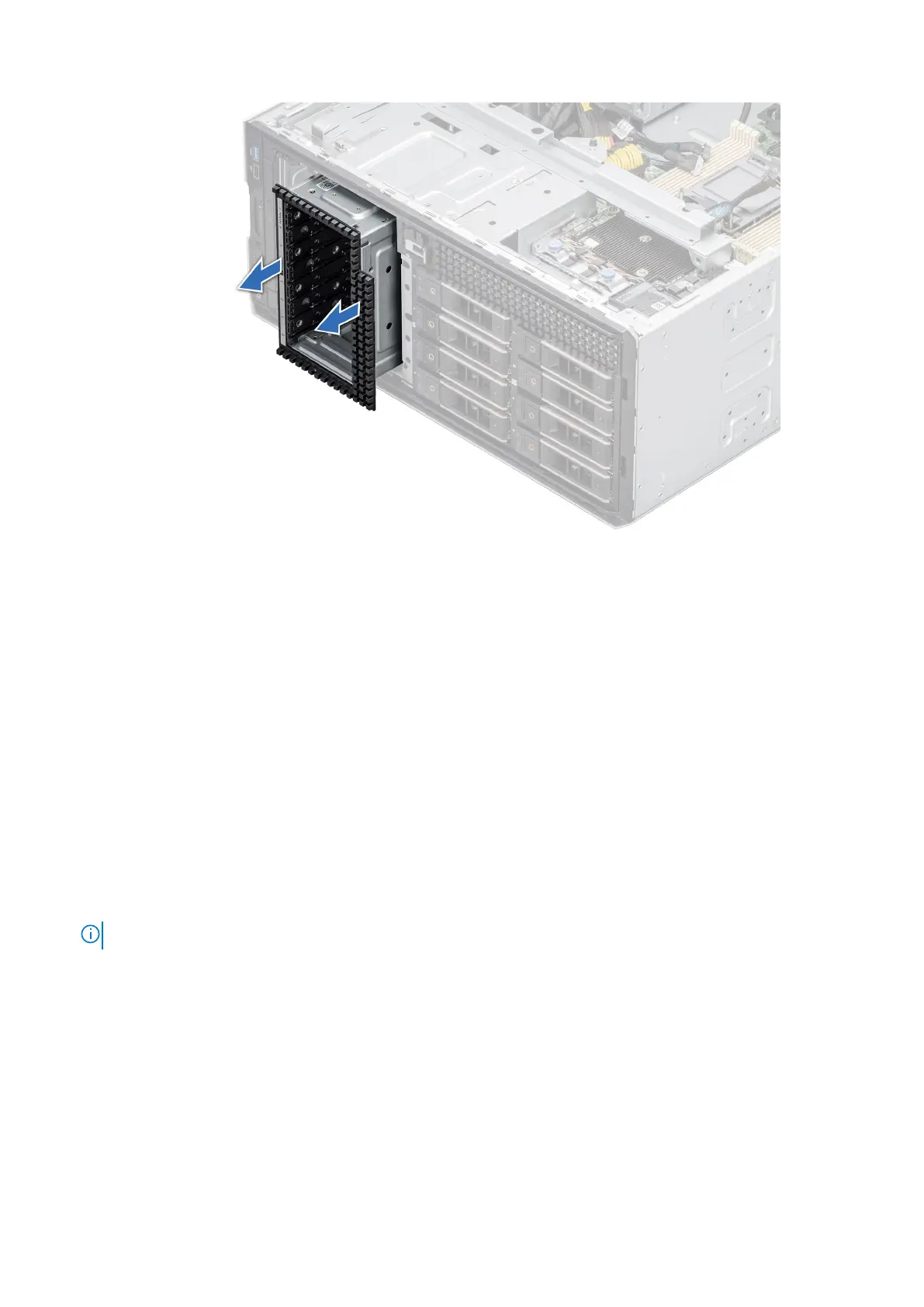
Figure 68. Removing a NVMe drive bay
Next steps
Replacing the drive bay.
Installing a drive bay
Prerequisites
1. Follow the safety guidelines listed in Safety instructions.
2. Follow the procedure that is listed in Before working inside your system.
3. Remove all the drives.
4. Remove the backplane from drive bay.
Steps
1. Insert the drive bay into the drive bay slot in the system.
2. Using the Phillips 2 screwdriver secure the drive bay to the system.
NOTE: The procedure to install the drive bays is similar for all configurations.
74 Installing and removing system components














 To Next Page