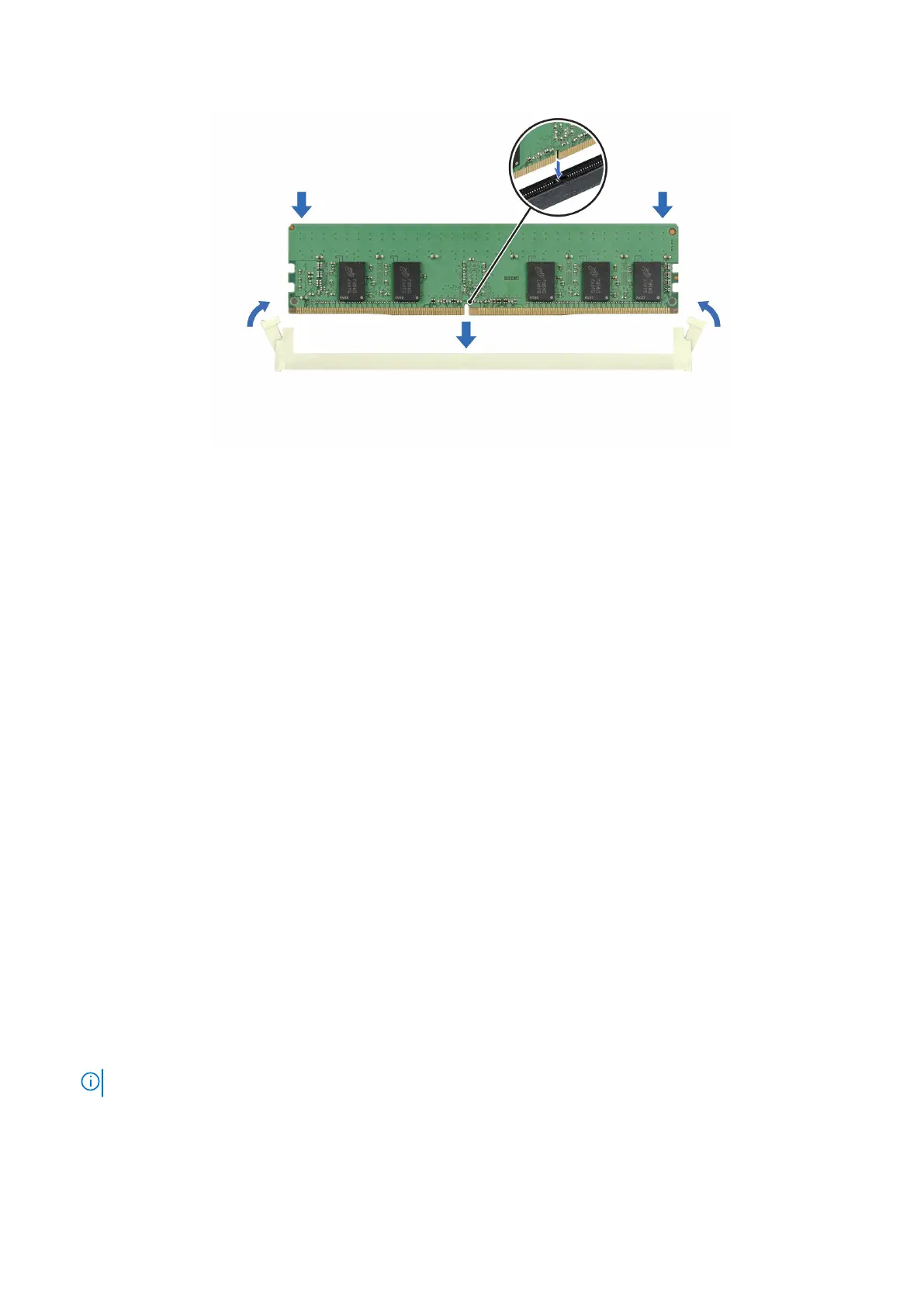
Figure 107. Installing a memory module
Next steps
1. Install the air shroud.
2. Follow the procedure listed in After working inside your system.
3. To verify if the memory module has been installed properly, press F2 and navigate to System Setup Main Menu > System
BIOS > Memory Settings. In the Memory Settings screen, the System Memory Size must reflect the updated capacity of
the installed memory.
4. If the System Memory Size is incorrect, one or more of the memory modules may not be installed properly. Ensure that the
memory modules are firmly seated in their sockets.
5. Run the system memory test in system diagnostics.
Optional BOSS S2 module
Removing the BOSS S2 module
Prerequisites
1. Follow the safety guidelines listed in Safety instructions.
2. Follow the procedure that is listed in Before working inside your system.
3. Remove the air shroud.
4. If installed, remove the front bezel.
5. Disconnect the cables connected to the system board.
.
Steps
1. Using a Phillips 2 screwdriver, remove the screw securing the BOSS S2 module to the system.
2. Slide the BOSS S2 module out of the system.
NOTE: The procedure to remove the BOSS S2 module is similar for all configurations.
Installing and removing system components 111














 To Next Page