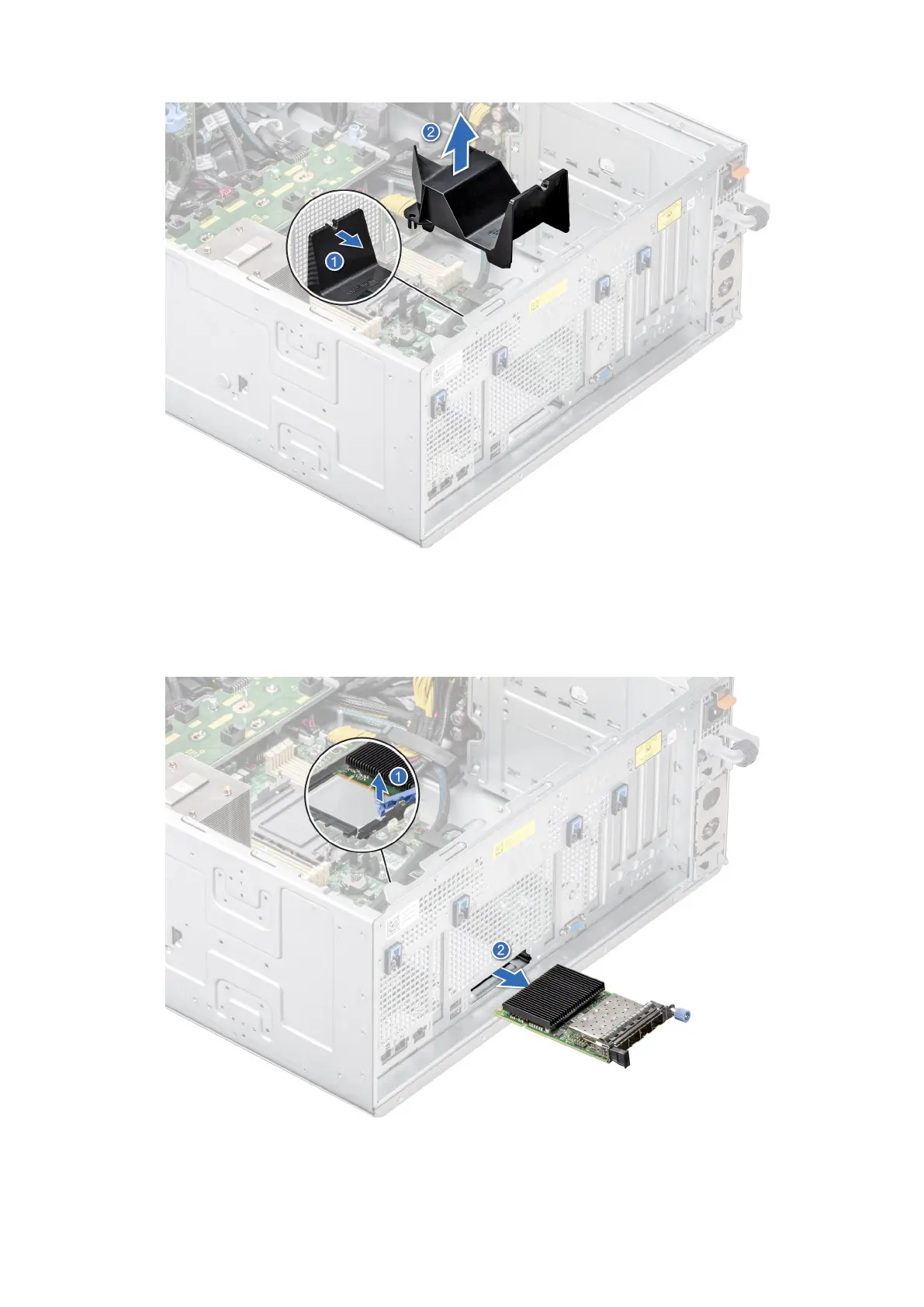
Figure 151. Removing the OCP air shroud
2. Open the blue latch to disengage the OCP card.
3. Push the OCP card towards the rear end of the system to disconnect from the connector on the system board.
4. Slide the OCP card out of the slot on the system.
Figure 152. Removing the OCP card
148
Installing and removing system components














 To Next Page