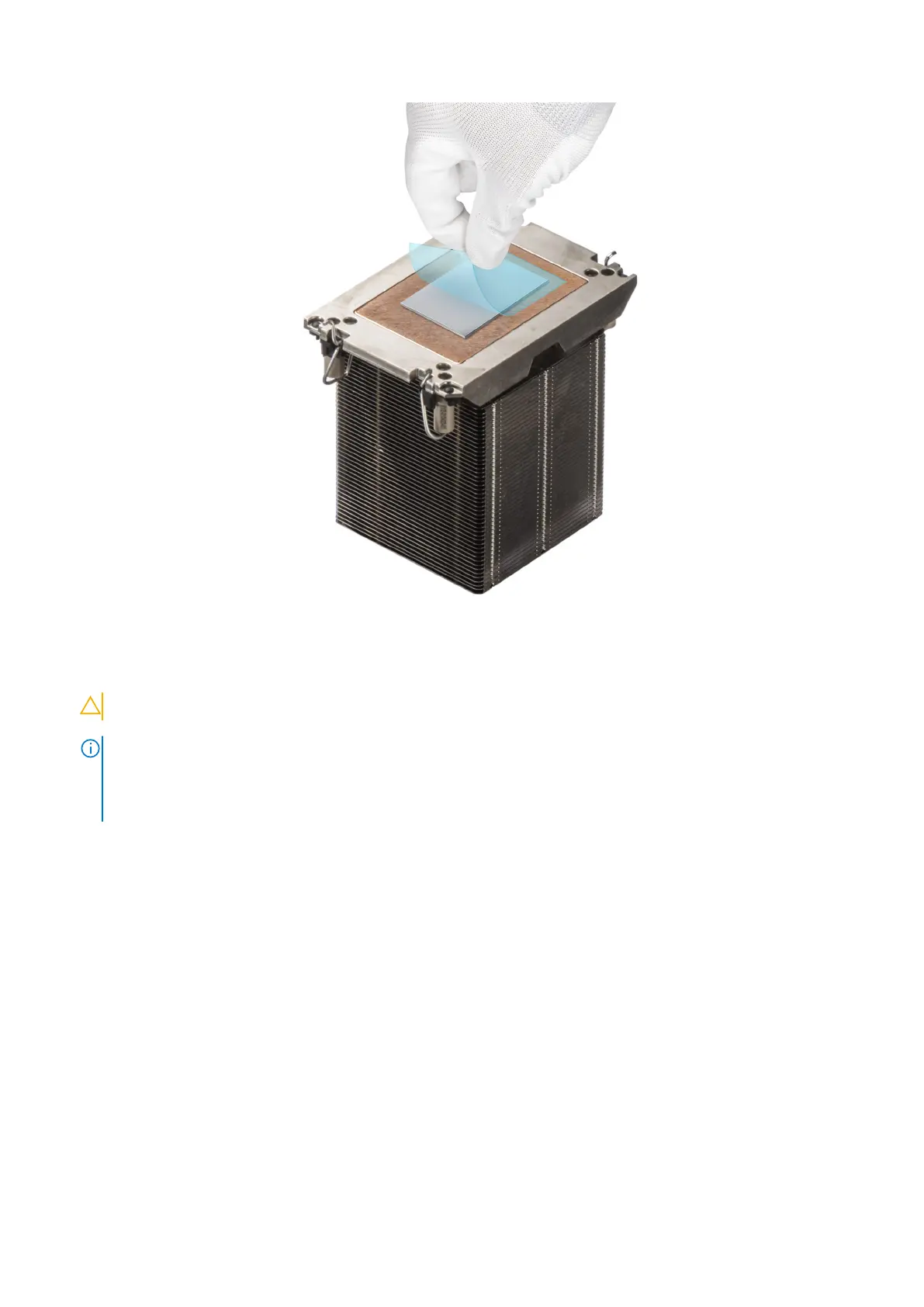
Figure 147. Removing the Thermal Interface Material (TIM) protective film
7. Place the heat sink on the processor and press the base of the heat sink until the retaining clip locks onto the heat sink at all
the four corners.
CAUTION: To avoid damaging the fins on the heat sink, do not press down on the heat sink fins.
NOTE:
● Ensure latching features on retaining clip and heat sink are aligned during assembly.
● Ensure that the pin 1 indicator on the heat sink is aligned with the pin 1 indicator on the retaining clip before placing
the heat sink onto the retaining clip.
144 Installing and removing system components














 To Next Page